Guide
How to Start a Budget Binder
A budget binder is a physical organizer that stores printed budgeting worksheets, bill trackers, and savings logs in one folder, letting you plan income, track spending, and manage debt on paper instead of an app.
What is a budget binder?
A budget binder is a physical 3-ring folder that holds printed budgeting pages in one place. It combines a monthly budget worksheet, expense tracker, bill tracker, and savings logs so you plan, track, and review your money entirely on paper.
A budget binder turns scattered money tasks into one organized system you can hold. The binder stores your core planning page, your spending log, your bill calendar, and your savings goals behind labeled tabs, so every financial decision lives in a single place you open weekly.
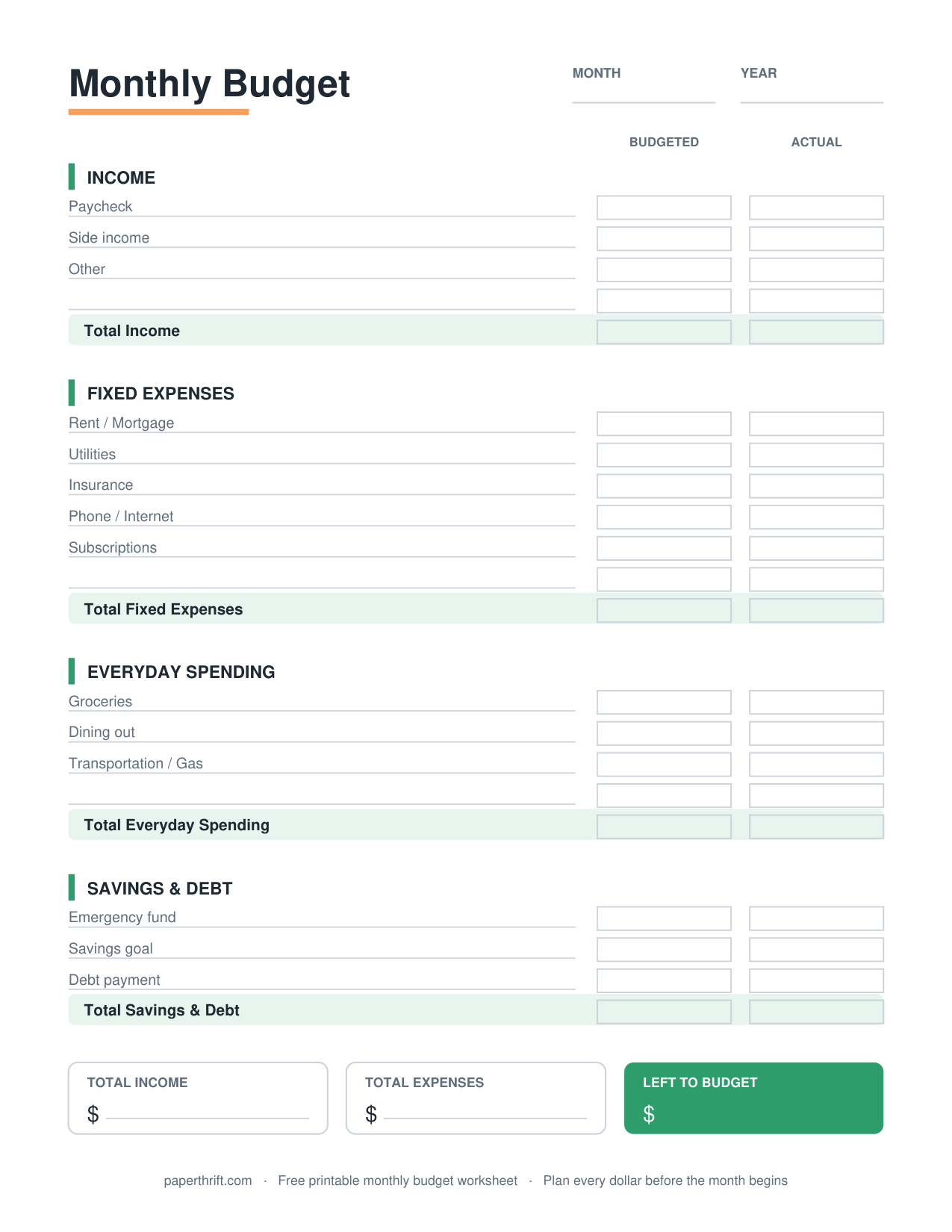
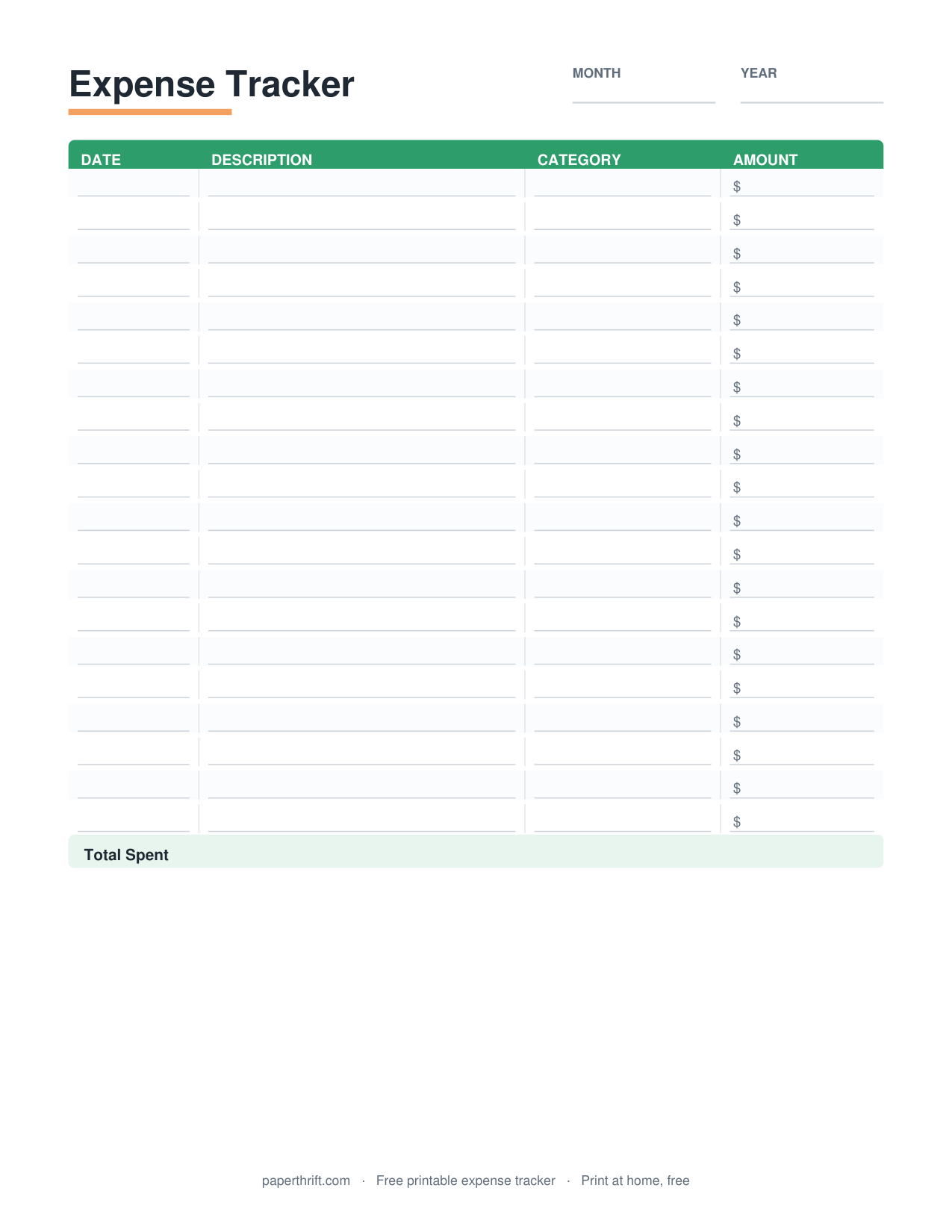
The system works because paper creates friction in a good way. Writing each expense by hand makes you notice spending that a banking app hides. Start with a monthly budget worksheet as your front page, then add an expense tracker to record what you actually spend. If you want the full philosophy behind paper-based money management, the how to make a budget guide explains the planning steps that feed your binder.
Why use a budget binder instead of an app?
A budget binder beats an app on focus and recall. Handwriting expenses improves memory of spending, removes screen distractions, needs no subscription or login, and keeps your financial data fully offline and private on paper you control.
A budget binder gives you three advantages an app cannot. First, handwriting builds awareness: the act of logging $14 on coffee in your expense tracker makes the cost feel real in a way a tapped transaction never does. Second, paper has no notifications, no upsells, and no monthly fee. Third, your numbers stay private, stored in a folder rather than a company server.
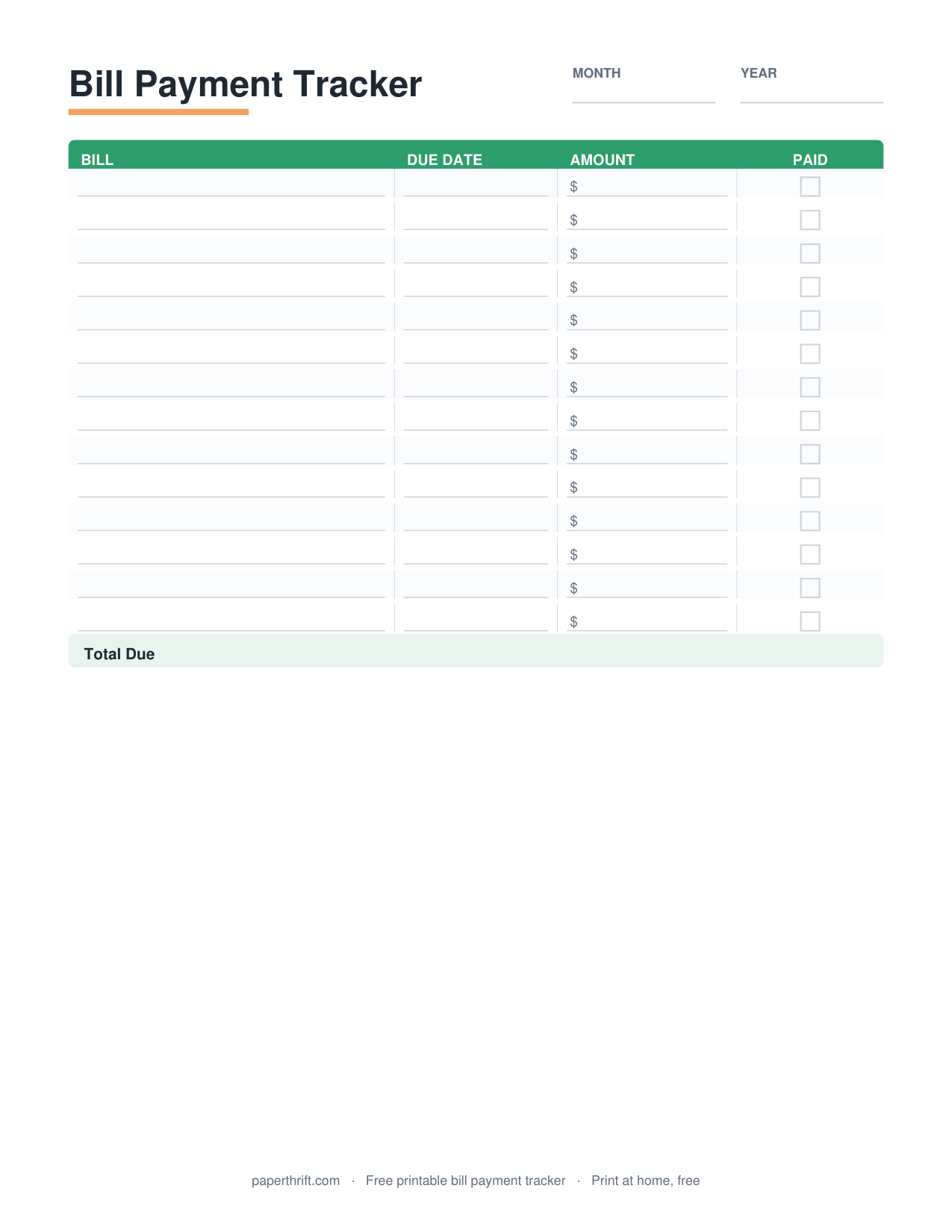
A binder also makes review effortless. You flip through past months instead of scrolling, and you see patterns at a glance. Many people run a binder alongside an app, using the app to check balances and the binder to plan and reflect. Pair your binder with a bill payment tracker so due dates never slip, and the system covers both planning and follow-through.
What pages do you need to start a budget binder?
You need four core pages to start a budget binder: a monthly budget worksheet, an expense tracker, a bill payment tracker, and a savings goal tracker. These four cover income planning, spending records, due dates, and progress.
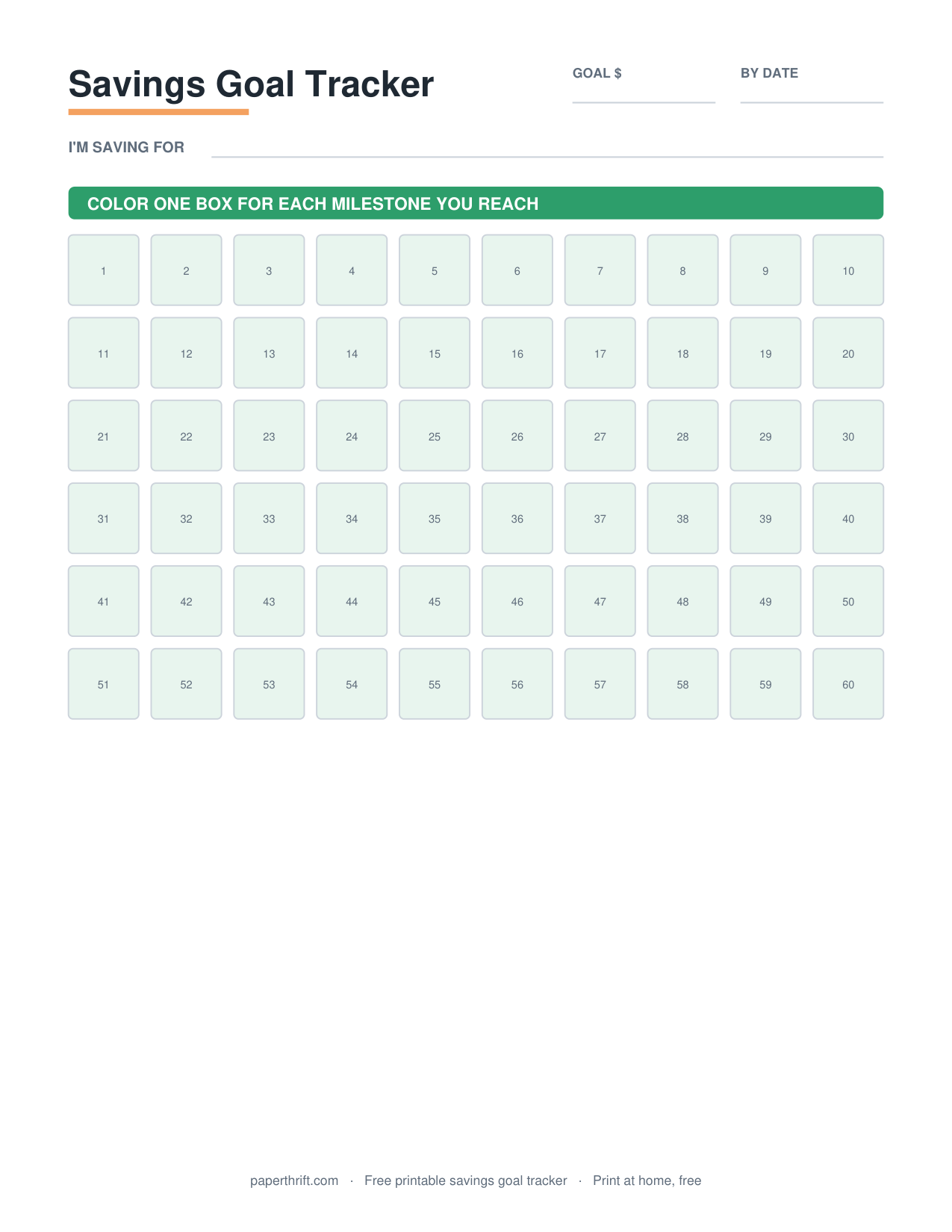
A starter budget binder needs four pages, and each one owns a job. The monthly budget worksheet plans income against expenses before the month begins. The expense tracker records every dollar that actually leaves your account. The bill payment tracker lists recurring due dates so nothing is missed or paid late. The savings goal tracker shows progress toward a target like a $1,000 emergency fund.
Add more pages as your money gets more complex. A debt snowball tracker helps if you carry balances, a sinking funds tracker sets aside money for irregular costs like car repairs, and a subscription tracker catches the small recurring charges that quietly drain a budget. Every page is a free instant PDF, so you print only what you need.
How do you set up the binder physically?
Set up a budget binder with a 1-inch 3-ring binder, a hole punch, divider tabs, and a pen. Print your pages on US Letter or A4 paper, punch them, and group them behind tabs by function.
The physical setup takes about fifteen minutes. Buy a 1-inch, 3-ring binder, a pack of divider tabs, sheet protectors for reusable pages, and a hole punch. Print your chosen pages at home, punch them, and slot them in. A 1-inch spine holds twelve monthly budget worksheets plus trackers; size up to 1.5 inches if you add a cash envelope system or many sinking funds.
Use sheet protectors with a dry-erase marker for pages you reuse, such as a savings thermometer or a 100 envelope challenge chart, so you do not reprint them. Keep a few blank copies of your expense tracker at the back, since that page fills up fastest. Store the binder somewhere visible, like a kitchen shelf, so you actually open it.
How should you organize budget binder tabs?
Organize budget binder tabs in money flow order: Plan, Spend, Bills, Save, Debt. This sequence mirrors how money moves each month, so the binder reads top to bottom from income planning through saving and payoff.
Tab order should follow the path your money takes. Lead with a Plan tab holding your monthly budget worksheet or, if you assign every dollar a job, a zero-based budget page. Next a Spend tab for your expense tracker and grocery budget. Then a Bills tab, a Save tab, and a Debt tab.
Match the tabs to your budgeting method so the binder stays coherent. If you split income into needs, wants, and savings, file the 50/30/20 budget under Plan and read the 50/30/20 rule explained guide to set the percentages. If you are paid every two weeks, a biweekly paycheck budget fits the Plan tab better than a single monthly sheet. The goal is one glance telling you exactly where to write next.
How do you keep a budget binder going?
Keep a budget binder going with a weekly and monthly rhythm. Log expenses twice a week, check off bills as you pay them, and start each month with a fresh budget worksheet and a five-minute review of the last month.
Consistency, not perfection, makes a budget binder work. Set a standing weekly date, ten minutes on Sunday, to write spending into your expense tracker and mark paid bills in your bill payment tracker. Small frequent updates beat one painful catch-up session that makes you quit.
Run a short monthly close. Total each spending category, compare it to your plan, move savings progress forward, and print a fresh monthly budget worksheet for the month ahead. To build momentum without spending, drop a no spend challenge page into the binder for a week, or seasonal pages like a Christmas budget ahead of the holidays. The binder grows with you, one printed page at a time.
Frequently asked questions
How many pages do I need to start a budget binder?
You need four pages to start a budget binder: a monthly budget worksheet, an expense tracker, a bill payment tracker, and one savings goal tracker. Add debt and sinking-fund pages later as your system grows.
What size binder is best for a budget binder?
A 1-inch, 3-ring binder holds a full budget binder for most people. It fits 12 monthly budget worksheets plus trackers and tabs. Choose a 1.5-inch binder if you add cash envelopes or many sinking funds.
Do budget binder printables cost money?
No. Every Paperthrift budget binder printable is 100% free. You download an instant PDF with no email and no signup, then print at home on US Letter or A4 paper. Reprint any page whenever you run out.
How often should I update my budget binder?
Update your budget binder weekly and monthly. Log spending in your expense tracker a few times each week, check off bills as you pay them, and fill a fresh monthly budget worksheet at the start of every month.
Paperthrift provides free educational budgeting tools and printables. It does not offer financial, investment, or tax advice.