Savings · PDF
Sinking Funds Tracker
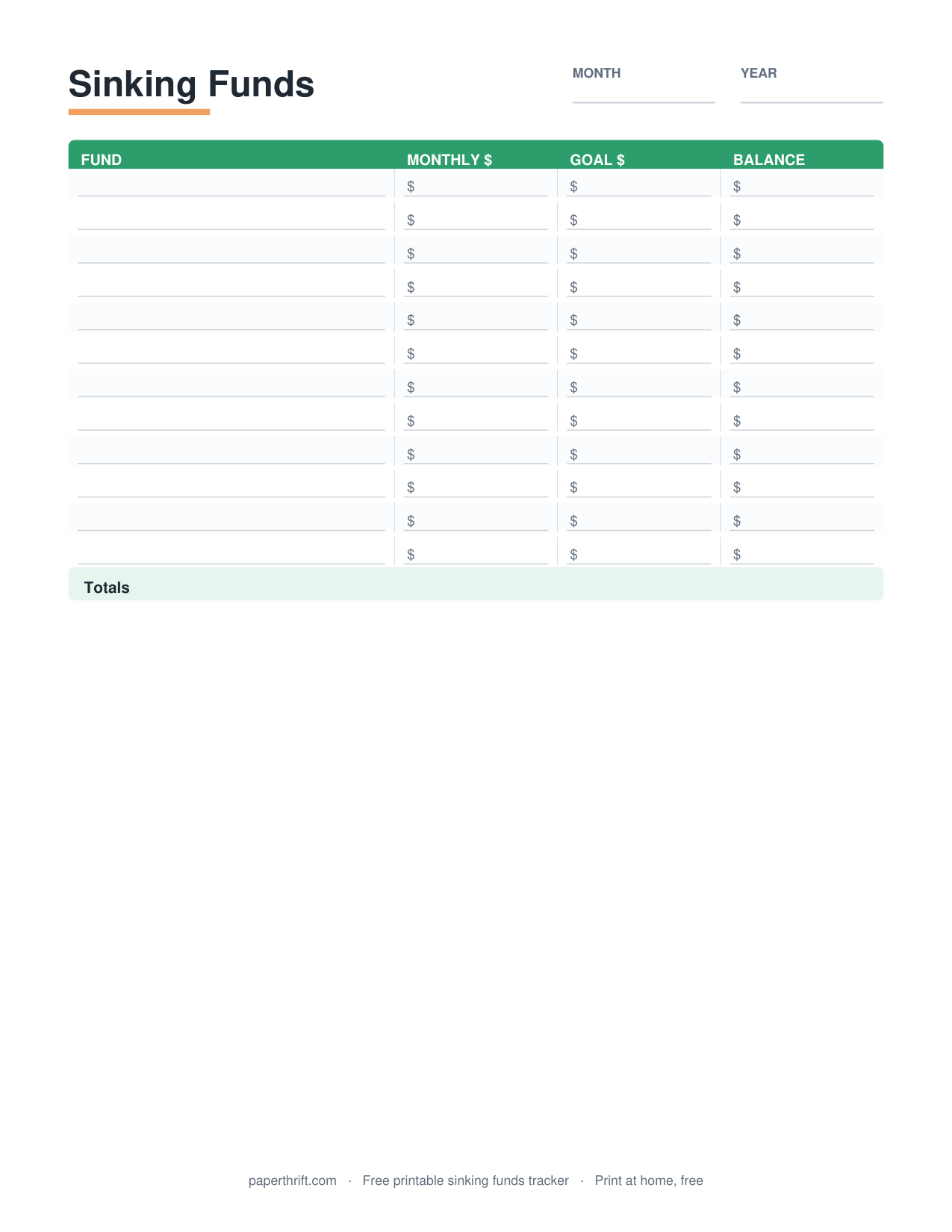
A sinking funds tracker is a worksheet that records multiple savings funds (like car repairs, holidays, and insurance) and tracks the monthly amount, target, and running balance for each, so you save gradually for big costs instead of borrowing.
Pick a color theme
What is a sinking funds tracker?
A sinking funds tracker is a worksheet that lists each savings fund, its target amount, due date, monthly contribution, and current balance. It organizes several funds on one page so you save steadily for known future expenses.
A sinking fund is money you set aside a little at a time for a specific, expected expense: a $1,200 car insurance bill, a $600 holiday budget, or a $900 furnace repair fund. A sinking funds tracker puts all of those funds side by side so you can see how much each one needs, how much you add monthly, and how close each balance is to its goal.
The tracker turns vague intentions into clear math. If you want $1,200 for insurance in 12 months, the page shows you must save $100 each month. Unlike a single savings goal tracker built for one target, a sinking funds tracker manages many goals at once. To understand the strategy behind the page, read our sinking funds explained guide.
How do you use a sinking funds tracker?
List each fund, its target amount, and target date. Divide the target by the months remaining to get a monthly contribution. Each month, log what you add and update the running balance until each fund reaches its goal.
Start by naming every irregular expense you can predict: Christmas gifts, annual insurance, vehicle maintenance, medical copays, back-to-school costs. Write each as its own fund with a target dollar amount and a deadline. Then calculate the monthly contribution by dividing the target by the number of months left. For example, $720 in 6 months equals $120 per month.
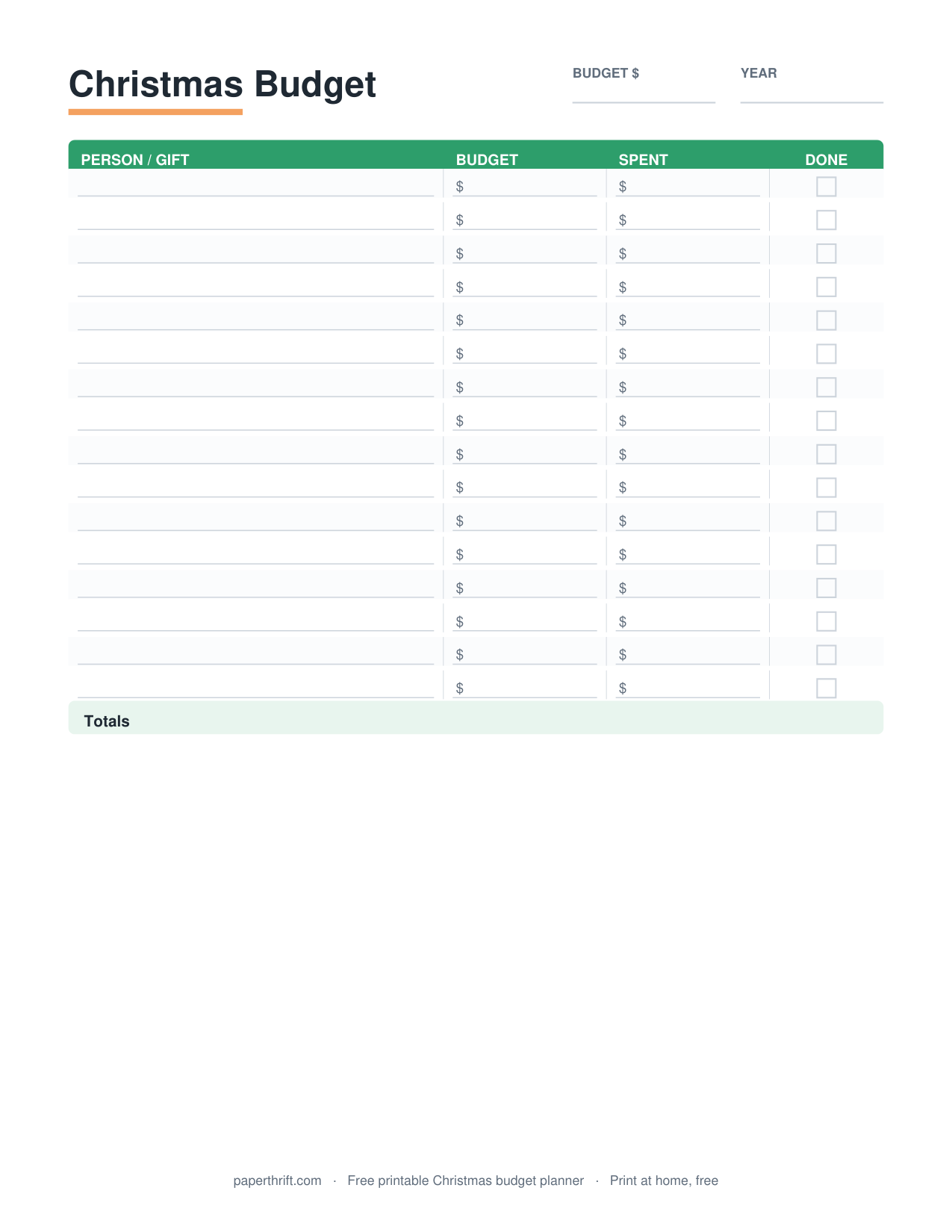
Each payday, move money into your sinking funds and record the deposit on the tracker, then update the running balance column. Pair the tracker with your monthly budget worksheet so contributions become a planned line item, not an afterthought. For seasonal goals, a dedicated christmas budget works alongside this page, and a sinking funds tracker routine keeps every balance growing on schedule.
What expenses should go in a sinking fund?
Sinking funds suit large, irregular, predictable costs: car repairs, insurance premiums, holidays, gifts, home maintenance, medical bills, vacations, and annual subscriptions. Any expense too big for one paycheck but known in advance belongs in a sinking fund.
Good sinking fund categories share three traits: they are predictable, they are larger than a normal monthly bill, and they arrive on an irregular schedule. Common examples include a car maintenance fund ($50/month), a holiday and gifts fund ($75/month), an annual insurance fund, a home repair fund, a vacation fund, and a property tax fund.
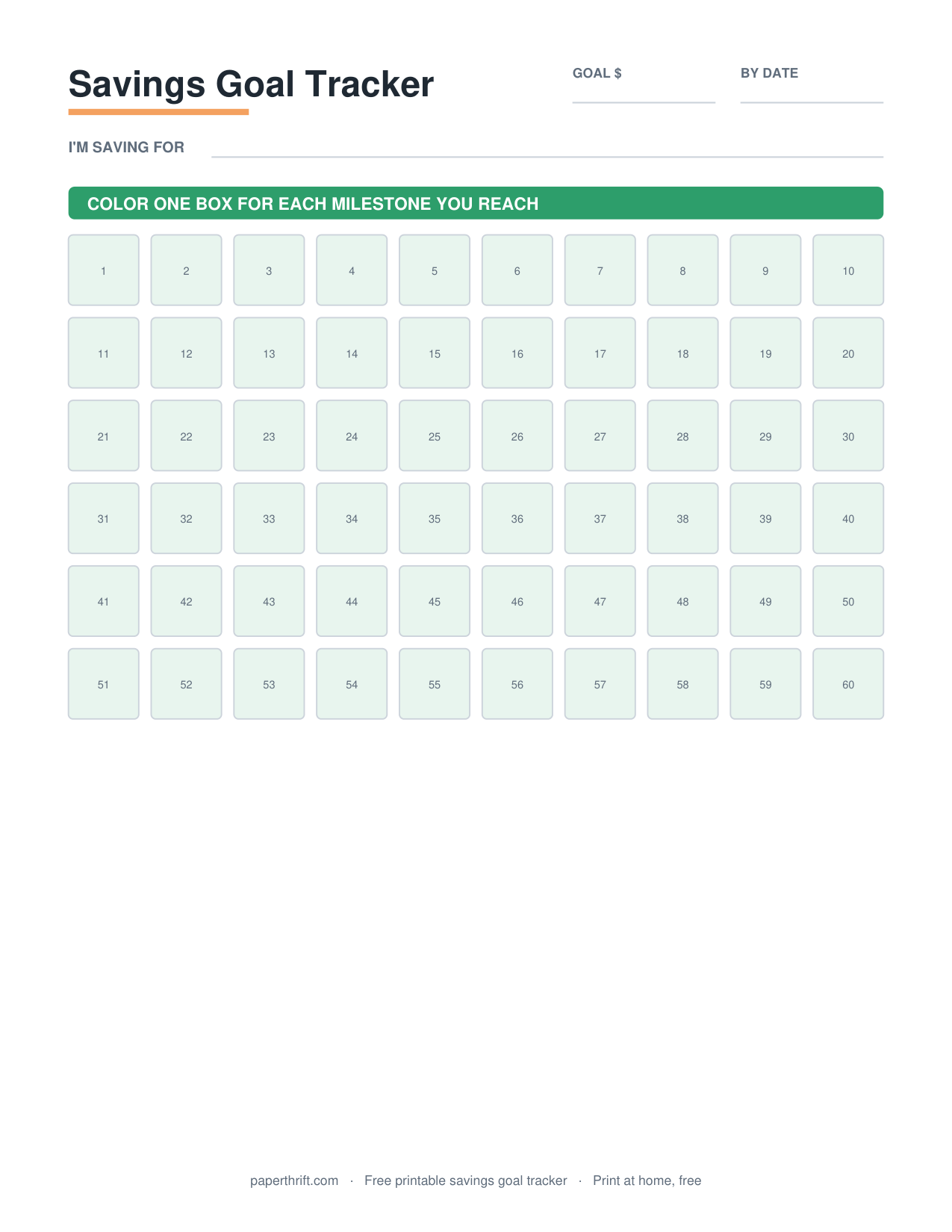
One rule many guides skip: keep your sinking funds separate from your emergency fund. An emergency fund covers true surprises like a job loss; sinking funds cover known costs you simply pay over time. Track recurring charges with a subscription tracker, watch one-time goals with a savings goal tracker, and use the 50/30/20 budget to decide how much of your income can fund savings each month.
Not sure how much each fund needs per month? The free savings goal calculator divides any target by your timeline in seconds, one fund at a time.
How to use this printable
- Download and print Download the free sinking funds tracker PDF and print it at home on US Letter or A4 paper. No email or signup is required.
- List your funds Write each predictable big expense as its own fund (car repairs, holidays, insurance, home maintenance) with a target dollar amount.
- Set targets and dates Add the deadline for each fund, then divide the target by the months remaining to find your monthly contribution amount.
- Log monthly deposits Each payday, record what you add to each fund and update the running balance column so you always know where you stand.
- Adjust and repeat When a fund hits its goal, mark it complete and redirect that money. Restart the cycle for the next big expense.
How to print it
- Print at 100% scale (not Fit to Page) so the columns and balance boxes stay aligned and easy to write in.
- Choose US Letter in the US or A4 elsewhere; both sizes are included in the same free PDF.
- Print in black and white to save ink. The tracker is designed to stay clear without color.
- Print one page per fund group or per quarter, then store them in a budget binder for an ongoing record.
Frequently asked questions
Is the sinking funds tracker really free?
Yes. The sinking funds tracker is 100% free with no email, no signup, and no payment. Click download, get the instant PDF, and print it at home as many times as you need.
What is the difference between a sinking fund and an emergency fund?
A sinking fund saves for known, planned expenses like insurance or holidays, paid over time. An emergency fund covers unexpected events like job loss or urgent repairs. Keep them separate so one does not drain the other.
How many sinking funds should I have?
Most people run 4 to 8 sinking funds, such as car repairs, holidays, insurance, and home maintenance. Start with two or three predictable expenses, then add more funds as your budget allows. The tracker holds several funds on one page.
Can I print the tracker on A4 paper?
Yes. The free PDF includes both US Letter and A4 sizes. Select your paper size in the print menu and print at 100% scale so the columns stay aligned and the balance boxes are easy to fill in.
How do I calculate my monthly sinking fund contribution?
Divide the target amount by the number of months until you need the money. For a $600 holiday fund due in 6 months, save $100 each month. The tracker has a column to record this monthly amount for every fund.
Paperthrift provides free educational budgeting tools and printables. It does not offer financial, investment, or tax advice. For decisions about your specific situation, consider speaking with a qualified professional.