Bill Trackers · PDF
Subscription Tracker
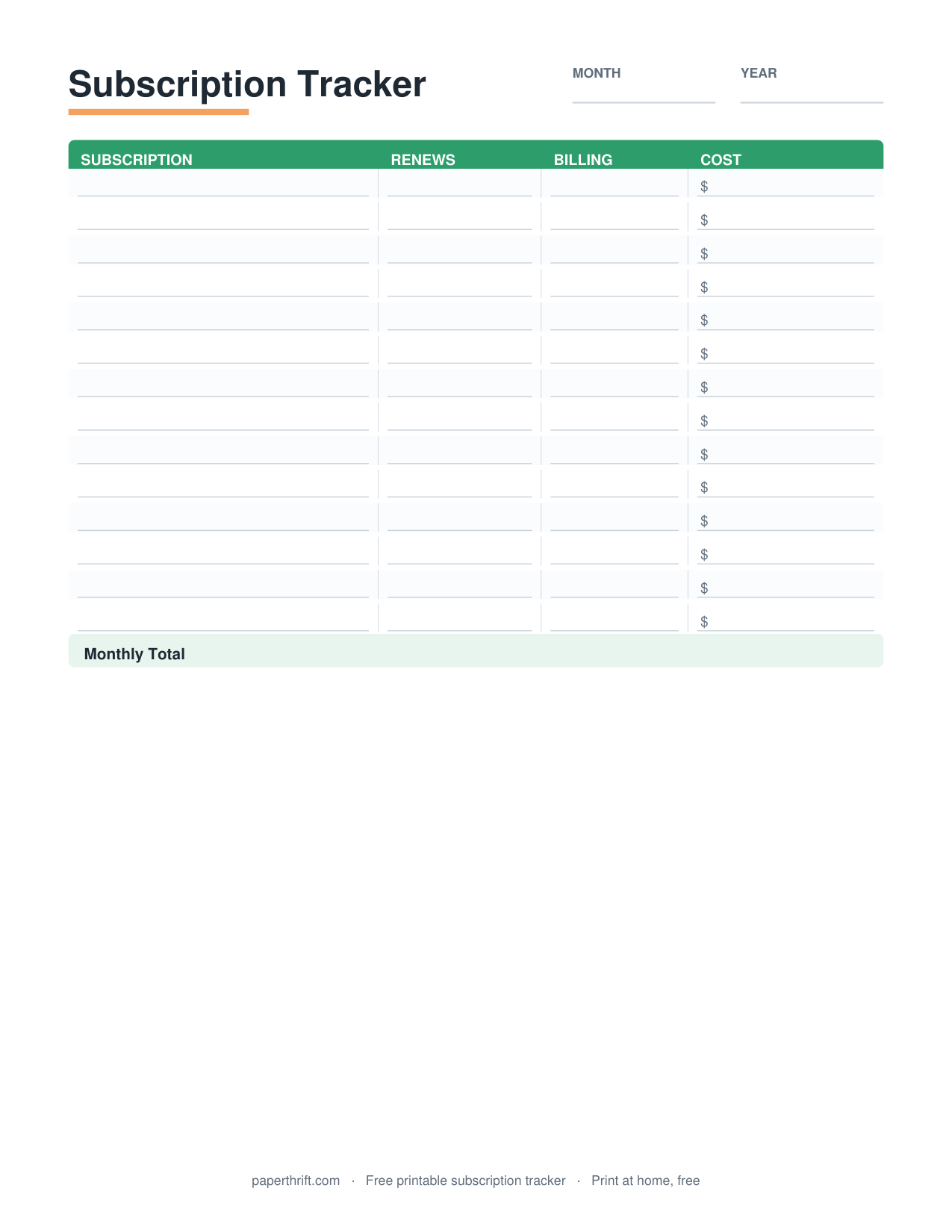
A subscription tracker is a worksheet that lists every recurring service you pay for (name, billing cycle, monthly cost, renewal date, and yearly total) so you can see total spending, spot unused subscriptions, and cancel before the next charge hits.
Pick a color theme
What is a subscription tracker?
A subscription tracker is a worksheet that records every recurring service you pay for (streaming, apps, memberships, and software) with its billing cycle, cost, and renewal date, so you can total your monthly and yearly spending in one view.
A subscription tracker turns scattered, easy-to-forget charges into one clear list. For each service you write the name, the billing cycle (monthly, quarterly, or annual), the amount, the renewal or billing date, and the payment method. The tracker then shows two numbers most people never calculate: total monthly cost and total annual cost. Streaming services like Netflix and Spotify, app subscriptions, gym memberships, cloud storage, and software licenses all belong on the same sheet.
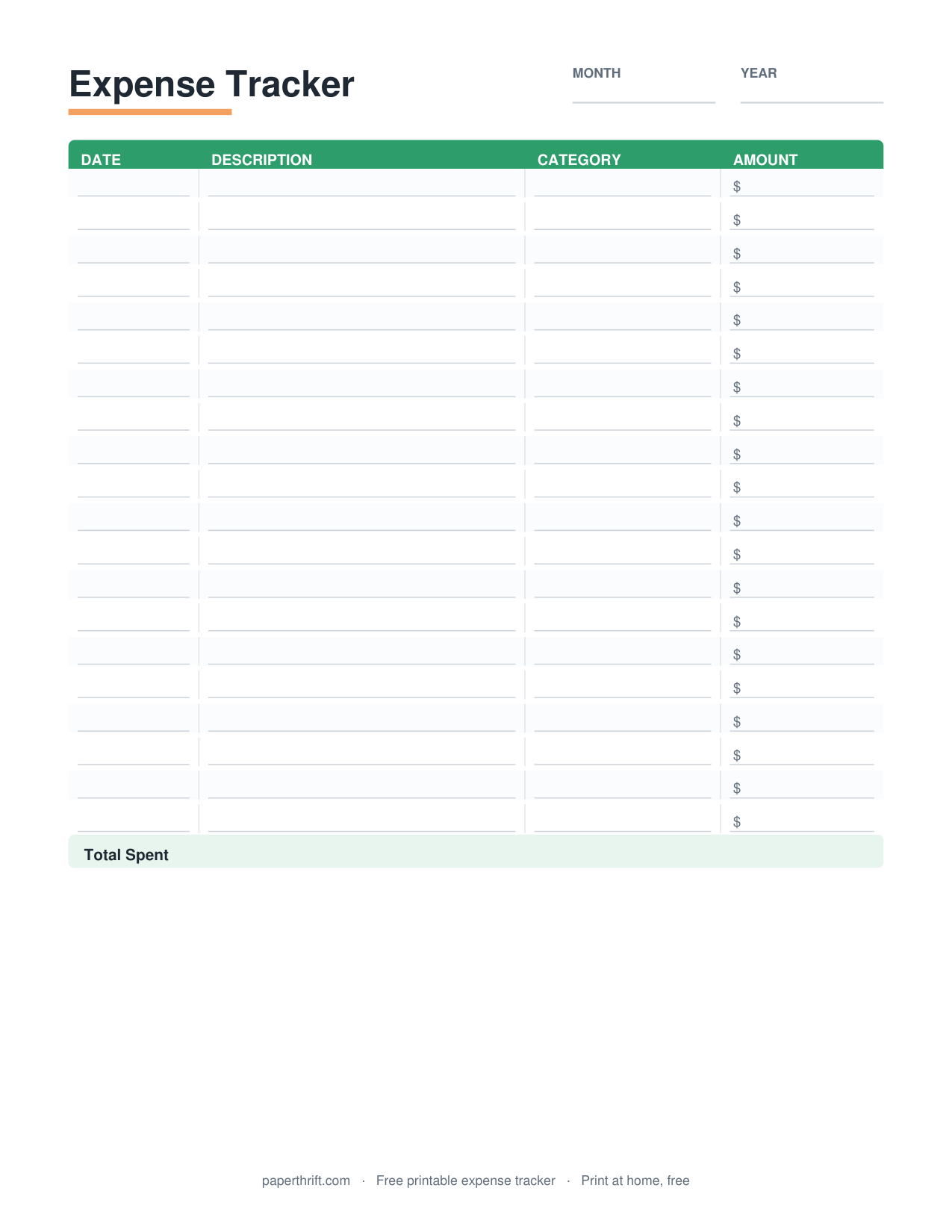
The gap a subscription tracker fills is visibility. A $12 streaming plan feels harmless until you see it next to nine other recurring charges adding up to $140 a month, or $1,680 a year. Once every charge sits on one page, you can decide which subscriptions earn their cost and which to cancel. Pair this printable with the expense tracker for day-to-day spending, and read how to make a budget to fit recurring costs into your full plan.
How do you use a subscription tracker?
List every recurring charge from your bank and card statements, note each one's cost, billing cycle, and renewal date, total the monthly and yearly columns, then flag any subscription you no longer use to cancel.
Start with your last two or three statements, because annual subscriptions only appear once a year and quarterly ones every three months. Write down each recurring charge, even free trials that are about to convert to paid. Record the billing cycle and convert everything to a monthly figure so the comparison is fair: a $99 annual plan is $8.25 per month.
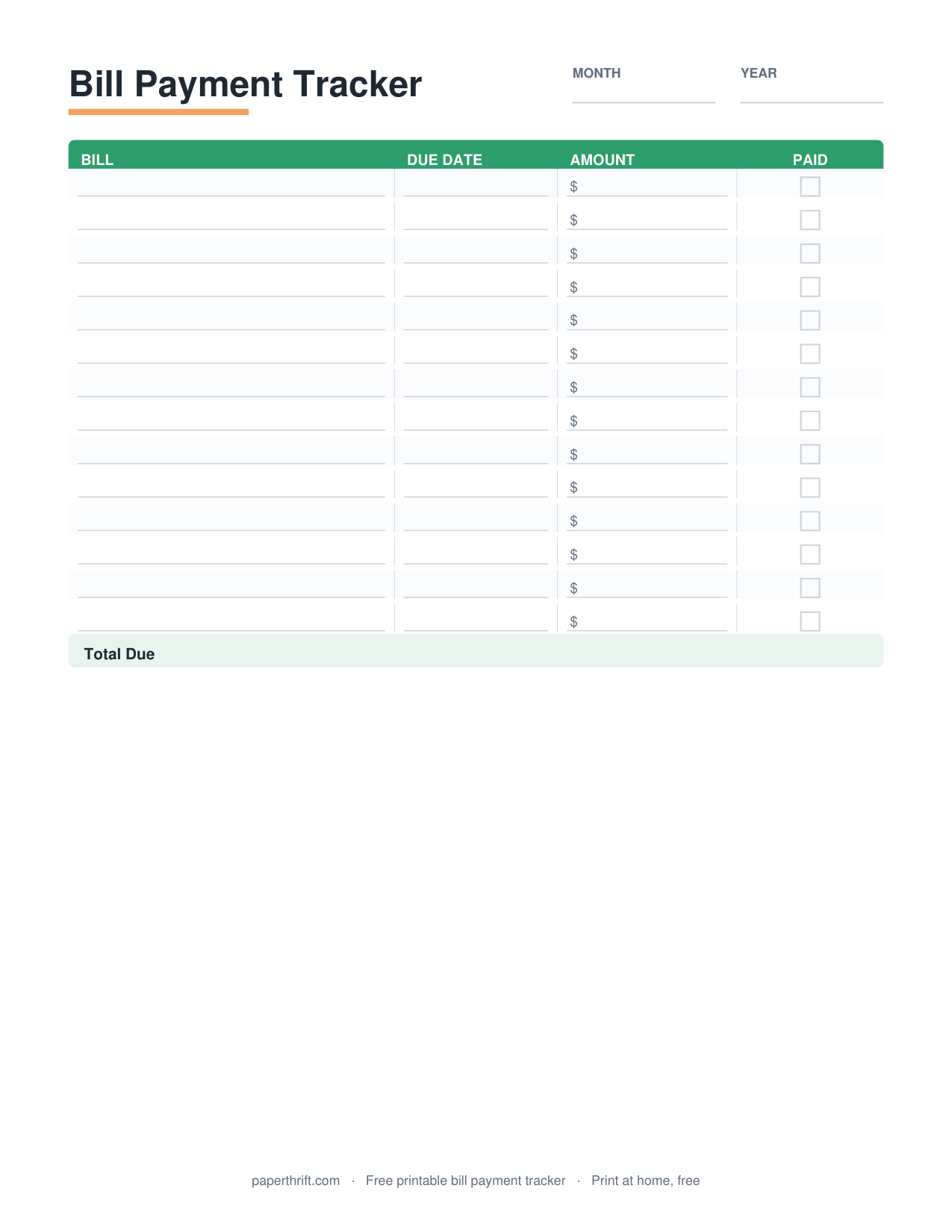
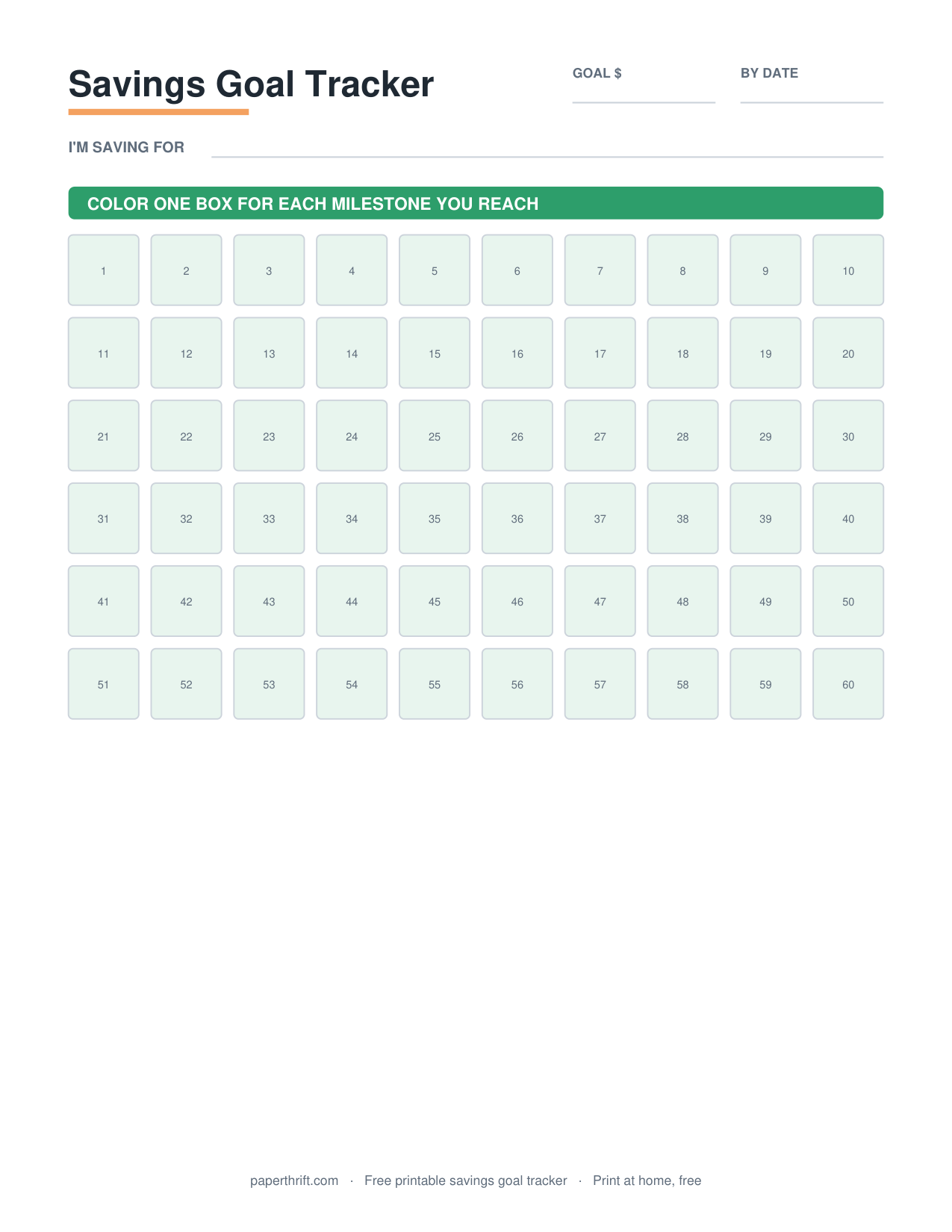
Next, sort by renewal date so you always know what charges next. Mark a 'keep / cancel / downgrade' status beside each line. Review the sheet monthly, ideally on payday, and update it when you add or drop a service. Schedule the recurring review using the bill payment tracker so nothing slips through, and move money you free up toward a savings goal tracker so the cuts actually build wealth instead of disappearing.
Why does tracking subscriptions save money?
Tracking subscriptions saves money by exposing forgotten and unused charges, surfacing duplicate services, and showing each subscription's true yearly cost: it turns small monthly amounts into clear numbers you can cancel before the next renewal.
Recurring charges are designed to be invisible. They auto-renew, they're small individually, and they bury in statements alongside groceries and gas. A subscription tracker breaks that pattern by forcing every charge onto one page with its annual cost spelled out. Seeing that three streaming services overlap, or that a $14.99 app you forgot adds up to $179.88 a year, makes the cancel decision obvious.
The tracker also catches the two most expensive habits: free trials that quietly convert and price increases you never noticed. Because each line shows the renewal date, you can cancel before charging, not after. Subscriptions are a natural fit for a zero-based budget, where every dollar gets a job, and for the 50/30/20 budget, where most subscriptions count toward your 30% wants category.
How to use this printable
- Print the tracker Download the free PDF and print it at home on US Letter or A4. No email or signup required.
- Pull your statements Gather two to three months of bank and credit card statements to catch monthly, quarterly, and annual charges.
- List every subscription Write each recurring service with its cost, billing cycle, renewal date, and payment method.
- Total the columns Add up the monthly column, then multiply or sum to find your true yearly subscription spend.
- Flag and cancel Mark each subscription keep, downgrade, or cancel, and cancel unused ones before their next renewal date.
How to print it
- Print at 100% scale (Actual Size), not Fit to Page, so the columns keep their spacing and stay easy to write in.
- Choose US Letter in the US or A4 elsewhere from your printer's paper-size menu before printing.
- Print in grayscale to save color ink. The tracker is fully readable in black and white.
- Print two copies: one for current subscriptions and one to plan next month's keep-or-cancel decisions.
Frequently asked questions
Is the subscription tracker really free?
Yes. The subscription tracker is 100% free to download and print. There is no cost, no email signup, and no account. Just open the PDF and print it at home.
How much do subscriptions cost the average American?
Surveys consistently find Americans underestimate their subscription spending — many pay over $200 a month across streaming, apps, memberships and boxes, roughly double what they guess. Listing every service on one page exposes the real total.
What paper size does the subscription tracker use?
The subscription tracker prints on both US Letter (8.5 x 11 in) and A4. Choose your size in the printer dialog and print at 100% scale for the best fit.
How often should I review my subscriptions?
Review your subscriptions monthly, ideally on payday. A monthly check catches free trials before they convert, spots price increases, and lets you cancel unused services before the next renewal charge.
What subscriptions should I put on the tracker?
List every recurring charge: streaming, music, apps, gym and club memberships, cloud storage, software, news and magazine plans, meal kits, and any auto-renewing service billed monthly, quarterly, or annually.
Paperthrift provides free educational budgeting tools and printables. It does not offer financial, investment, or tax advice. For decisions about your specific situation, consider speaking with a qualified professional.