Spending · PDF
Expense Tracker
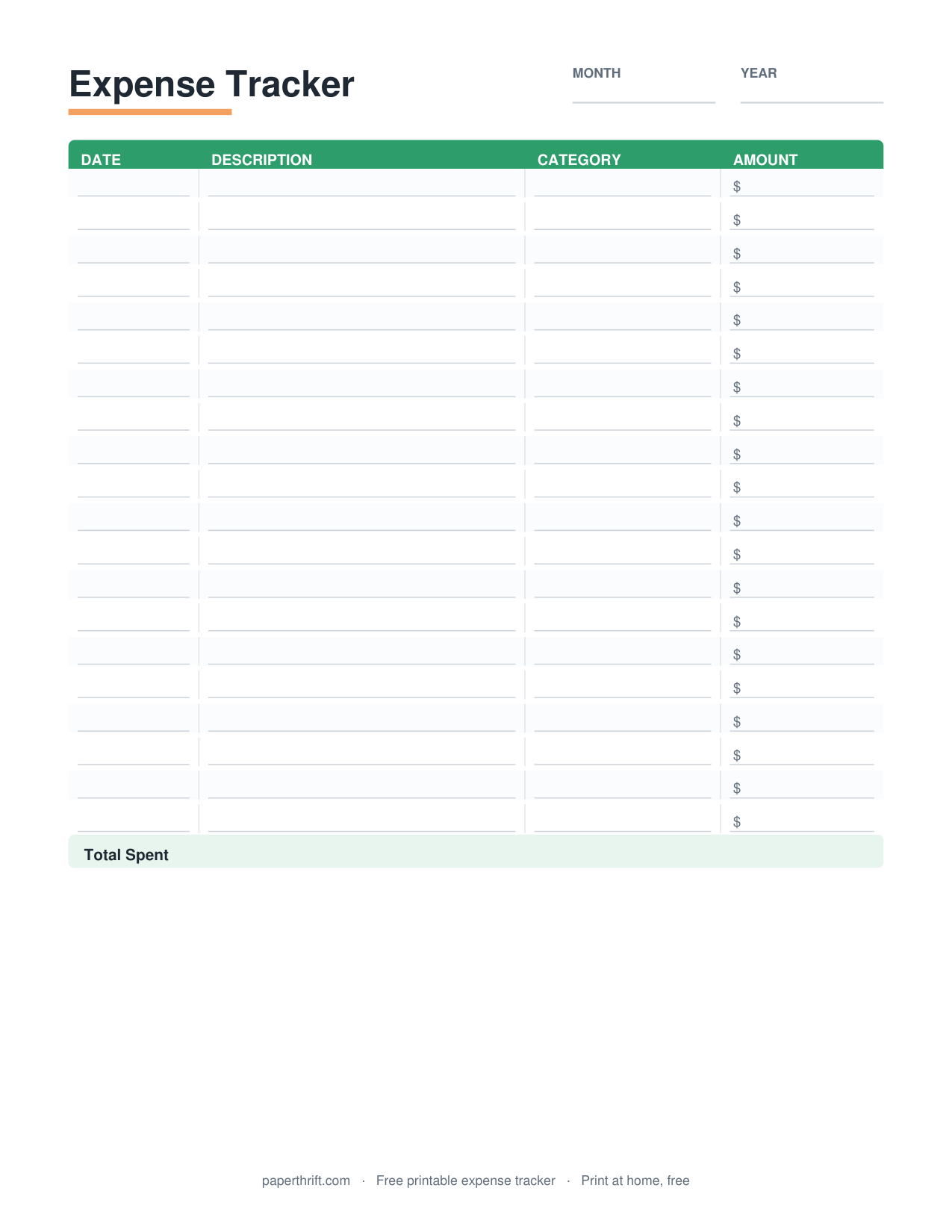
An expense tracker is a printable spending log that records every purchase by date, description, category, and dollar amount, so you can see where your money goes each day and week and total your outflows against your budget.
Pick a color theme
What is an expense tracker?
An expense tracker is a printable log that records each purchase by date, description, category, payment method, and dollar amount. It shows where your money goes daily and weekly, so you can total spending by category and compare it to your budget.
An expense tracker turns vague spending into a clear record. Each row captures one purchase: the date, what you bought, a category (groceries, gas, dining out, subscriptions), how you paid (cash, debit, credit), and the amount. At the end of the day or week, you add the column to see your total.
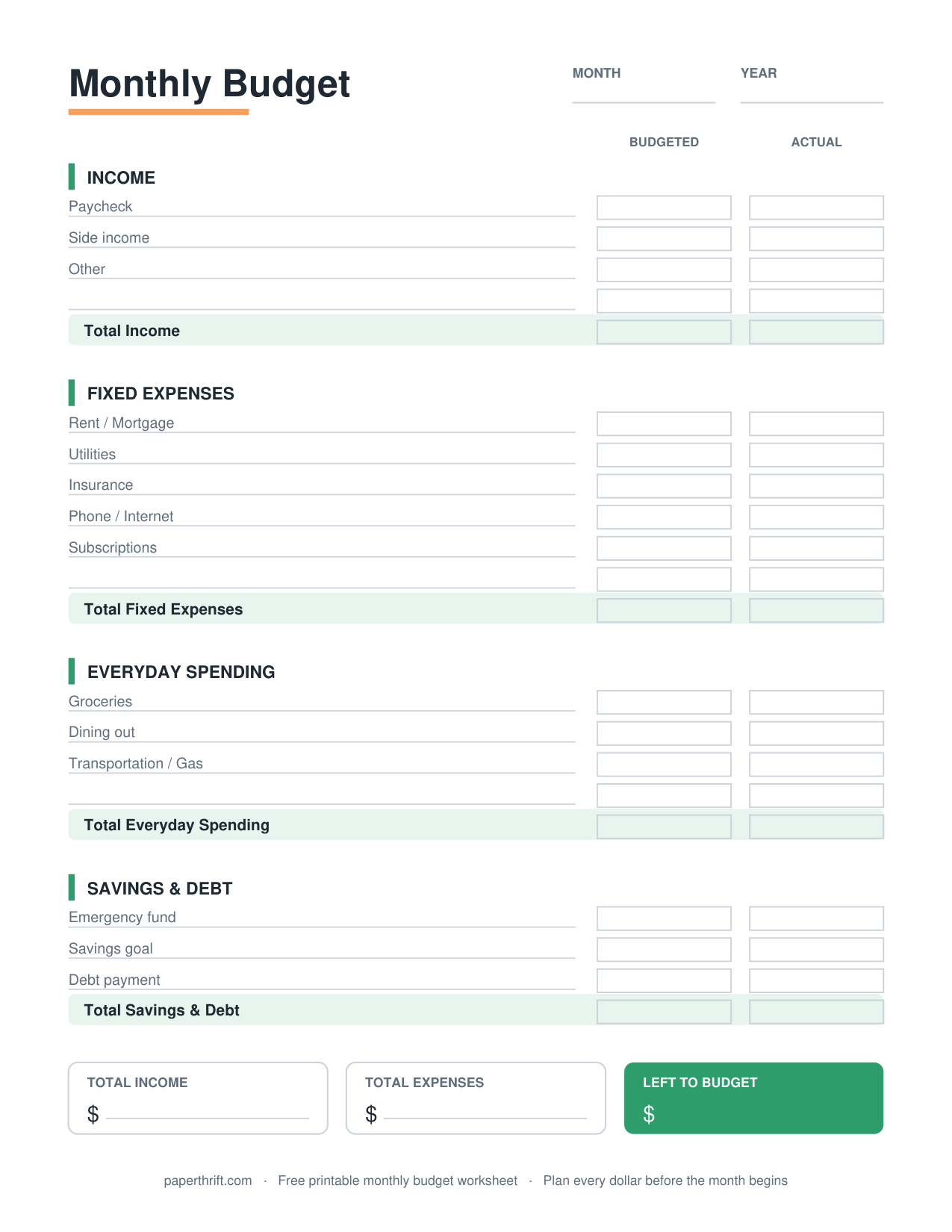
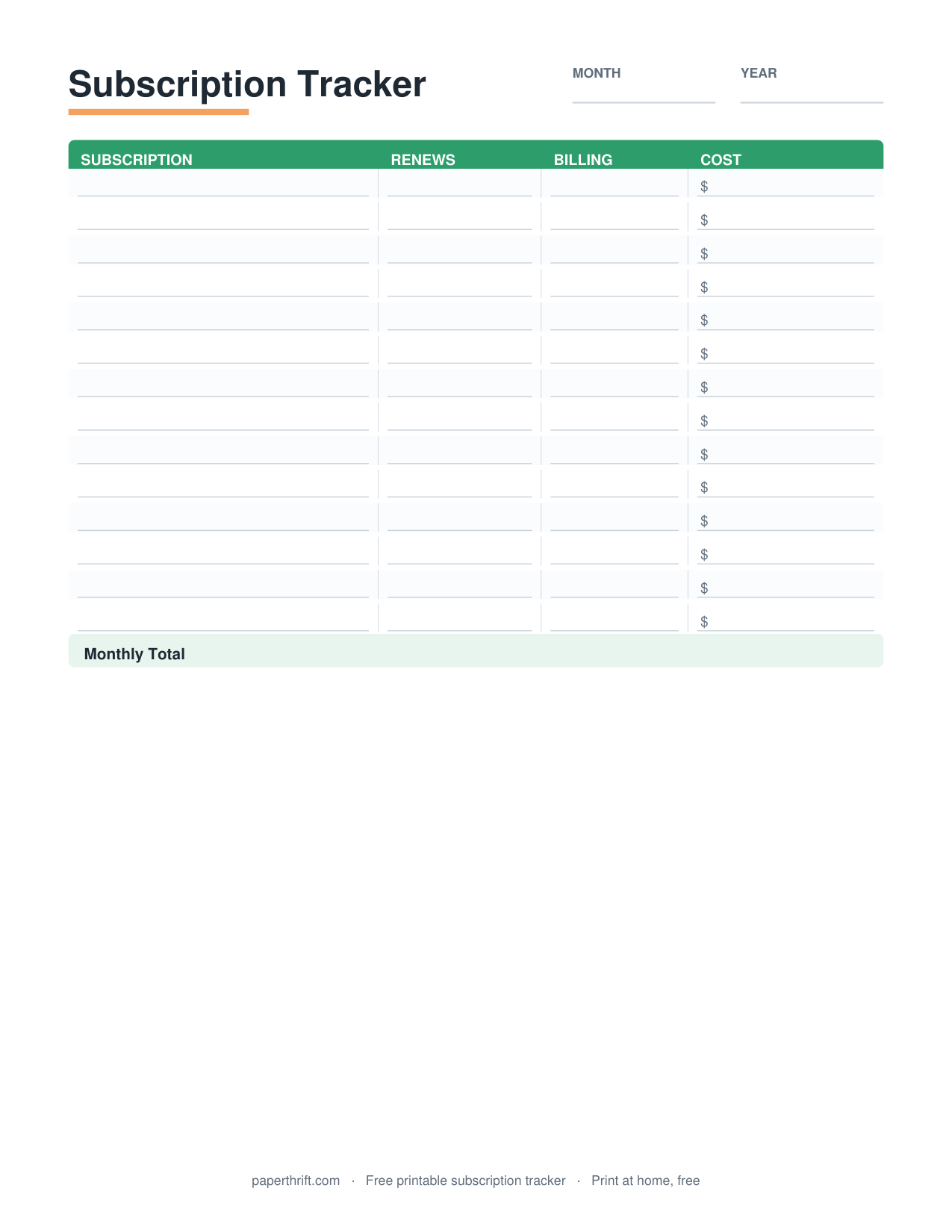
The tracker is the measurement tool that makes a budget real. A plan tells you what you intend to spend; the tracker tells you what you actually spent. Use it alongside your monthly budget worksheet to compare planned versus actual, or pair it with the broader how to make a budget guide if you are just getting started. For deeper analysis, sort recurring charges into your subscription tracker.
How do you use a printable expense tracker?
Print the tracker, keep it where you spend, and log every purchase the same day. Write the date, description, category, and amount in one row. Total each day or week, then add weekly totals to compare actual spending against your budget categories.
Consistency beats perfection. Log purchases the day they happen, while you still remember the gas station coffee and the parking meter. Carry one page in your bag or tape it to the fridge. Small cash purchases are the ones people forget, so write those down first.
At the end of each week, total each spending category. Then check those totals against your plan. If dining out hit $180 against a $120 plan, the tracker just showed you exactly where to adjust. Categorized totals also feed directly into a zero-based budget, where every dollar gets a job, or the 50/30/20 budget split between needs, wants, and savings. Reviewing one full month of tracked data is the fastest way to build an accurate budget.
Who is an expense tracker for?
An expense tracker is for anyone who feels their money disappears without explanation, people starting a budget, those paying off debt, and irregular-income earners. It suits cash users, card users, couples, and students who want a simple paper record instead of an app.
An expense tracker helps three groups most. Beginners use it to discover their real spending before setting budget numbers. Debt payers use it to find money to redirect toward balances, feeding it into a debt payoff tracker. People with variable income use it to map what a typical week actually costs.
Paper trackers suit anyone who wants tracking without screens, notifications, or linking bank accounts. There is no signup and no app to learn. Couples can share one sheet on the counter so both partners see spending in real time. Cash-envelope users can record what leaves each envelope, pairing the tracker with the cash envelope system to reconcile cash at week's end.
How to use this printable
- Download and print Download the free expense tracker PDF and print it on US Letter or A4. No email or signup is required, and it prints clearly in black and white.
- Set your categories Label each section or column with your real spending categories, such as groceries, gas, dining out, bills, and subscriptions, so every purchase has a home.
- Log every purchase Write down each purchase the day it happens: date, description, category, payment method, and dollar amount, one row per transaction.
- Total daily and weekly Add up each day and each week. Sum spending by category so you can see exactly where your dollars went.
- Compare to your budget Check your category totals against your budget plan. Adjust next week's spending where you went over, and repeat to build an accurate budget.
How to print it
- Print at 100% scale (not Fit to Page) so the rows and columns keep their full writing width.
- Use black-and-white draft mode to save ink; the tracker is designed to read clearly without color.
- Print one page per week and clip a month together so you can review four weeks of spending at once.
- Choose US Letter in the US or A4 elsewhere, and load the page in portrait orientation for the most row space.
Frequently asked questions
Is the printable expense tracker really free?
Yes. The expense tracker is 100% free with no email, no signup, and no account. Click download, get the instant PDF, and print it at home on US Letter or A4.
What is the difference between an expense tracker and a budget?
A budget plans what you intend to spend before the month. An expense tracker records what you actually spent as it happens. You use the tracker to check your real spending against your budget and adjust.
How often should I log expenses?
Log every purchase the same day it happens, while details are fresh. Small cash buys are the easiest to forget. Then total your spending at the end of each day or week to spot patterns.
Can I track both cash and card spending on one sheet?
Yes. Add a payment-method column and mark each purchase as cash, debit, or credit. One sheet then captures all spending, and you can total by method or by category at week's end.
Do I need to print a new tracker every week?
Print one page per week for the cleanest record, then clip four weeks together to review a full month. You can also reuse a single page for shorter tracking periods if you prefer less printing.
Paperthrift provides free educational budgeting tools and printables. It does not offer financial, investment, or tax advice. For decisions about your specific situation, consider speaking with a qualified professional.