Monthly Budget · PDF
Monthly Budget Worksheet
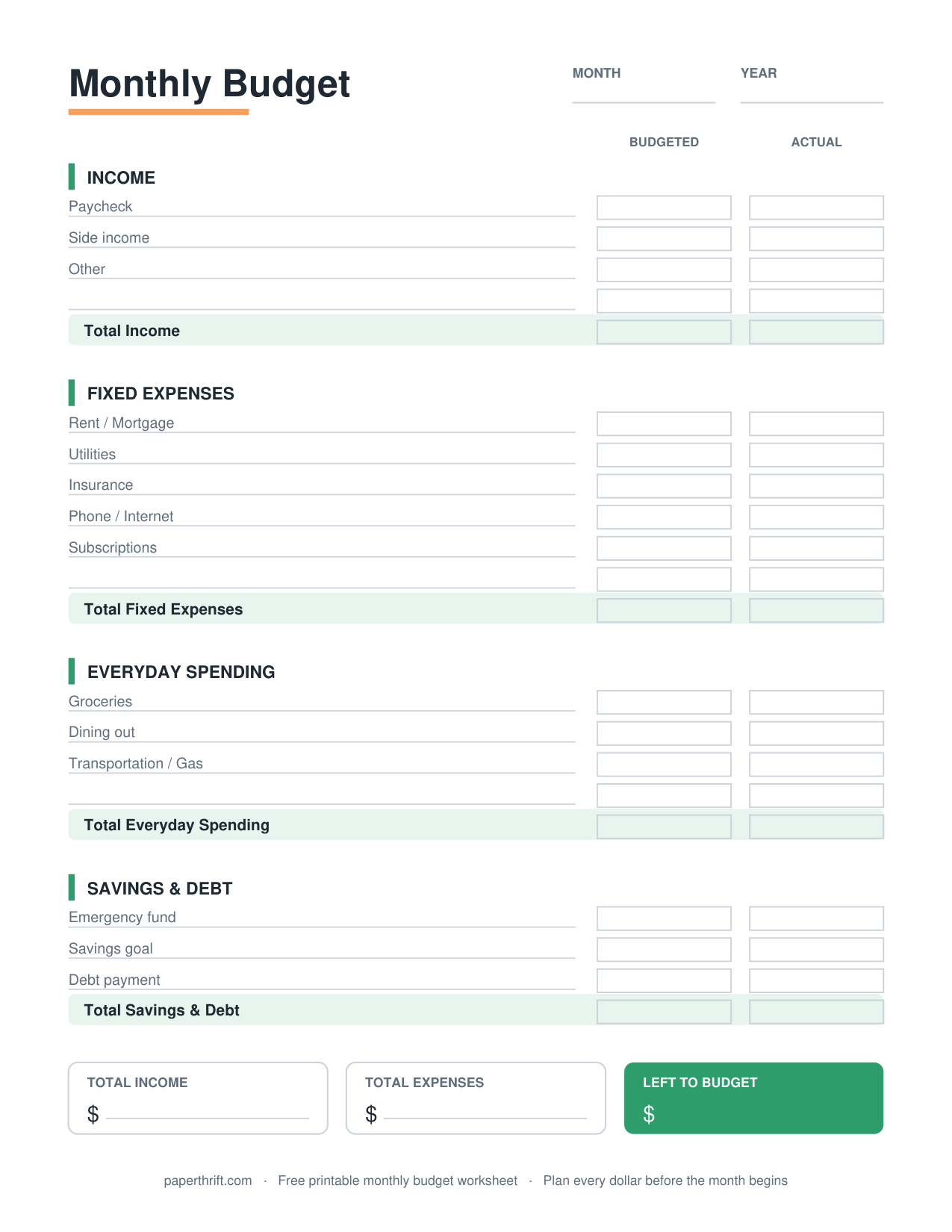
A monthly budget worksheet is a one-page planner that lists monthly income, fixed and variable expenses, and savings, then subtracts total spending from total income to show your remaining balance for the month.
Pick a color theme
What is a monthly budget worksheet?
A monthly budget worksheet is a one-page planner that records your monthly income at the top, lists fixed and variable expenses by category, sets aside savings, and subtracts total outflows from income to reveal your month-end balance.
A monthly budget worksheet turns a full month of money into a single, scannable page. You write income at the top, list every expense by category in the middle, and read your leftover balance at the bottom. The math is simple: income minus expenses minus savings equals what's left.
The worksheet works for any pay schedule because it covers a calendar month, not a single paycheck. If you get paid every two weeks, total both checks as your monthly income. For a method that maps spending directly to each payday instead, the biweekly paycheck budget splits bills across pay periods. New to budgeting altogether? Start with how to make a budget for a step-by-step walkthrough.
What categories are on the monthly budget worksheet?
The worksheet groups income, fixed expenses (rent, insurance, loan payments), variable expenses (groceries, gas, dining), savings and debt payments. Each line has a planned amount and an actual amount so you can compare your budget to real spending.
The worksheet separates three money types. Income includes paychecks, side gigs, and any reliable cash coming in. Fixed expenses stay the same monthly: rent or mortgage, car payment, insurance premiums, and subscriptions. Variable expenses change week to week: groceries, gas, eating out, and personal spending.
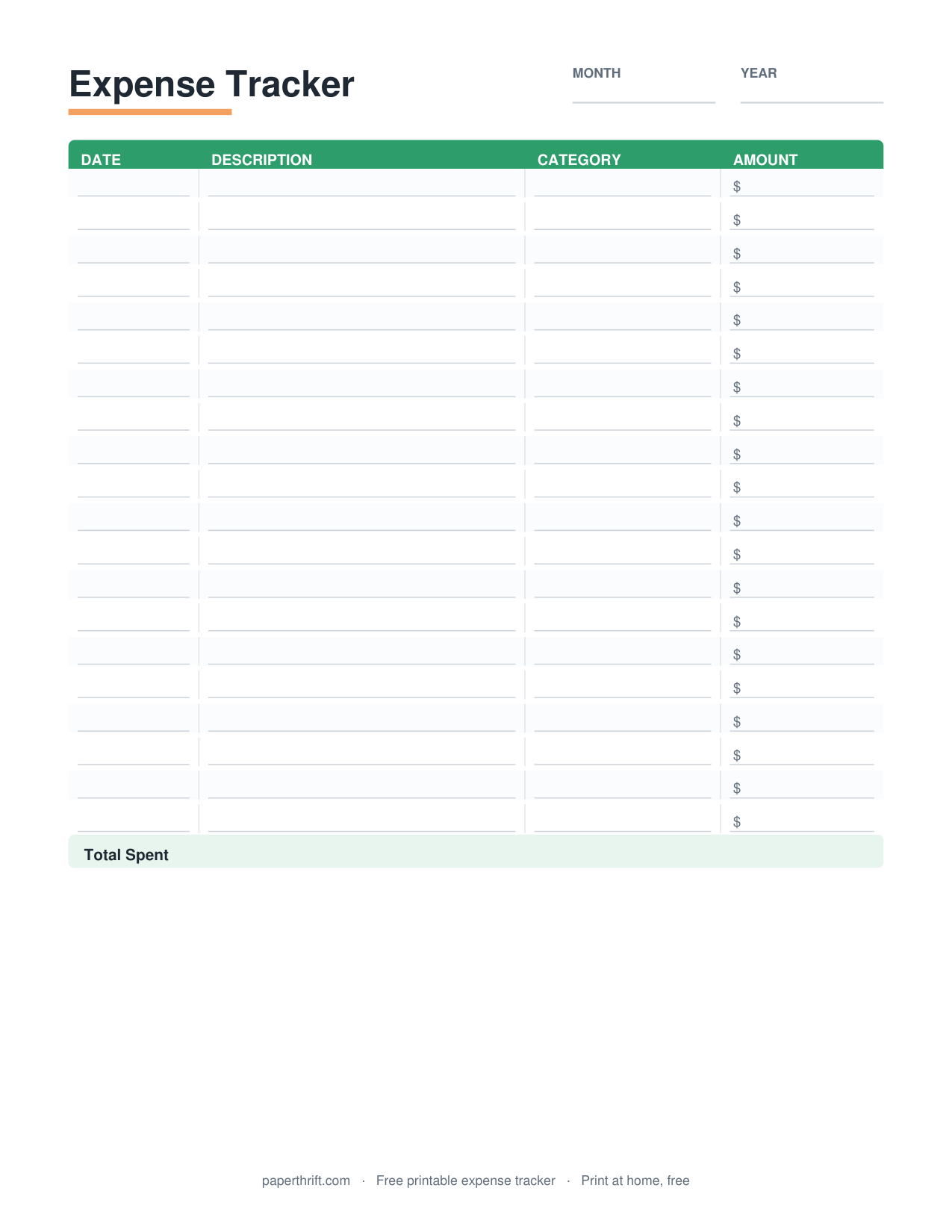
Two columns make it powerful. The planned column holds your target, like $500 for groceries. The actual column holds what you really spent, like $540. The $40 gap is the lesson for next month. To watch one category closely, pair this page with a grocery budget or a dedicated expense tracker. Bills with due dates belong on a bill payment tracker so nothing slips past its deadline.
How do you fill out a monthly budget worksheet?
Write total monthly income at the top, list every fixed and variable expense with a planned amount, add a savings line, then subtract all expenses and savings from income. A positive number means money left; zero or negative means cut spending.
Filling it out takes about fifteen minutes. Gather your last bank and card statements, then copy recurring bills into the fixed section and estimate variable categories from past spending. Add a savings line before expenses, not after, so saving becomes a planned bill instead of an afterthought.
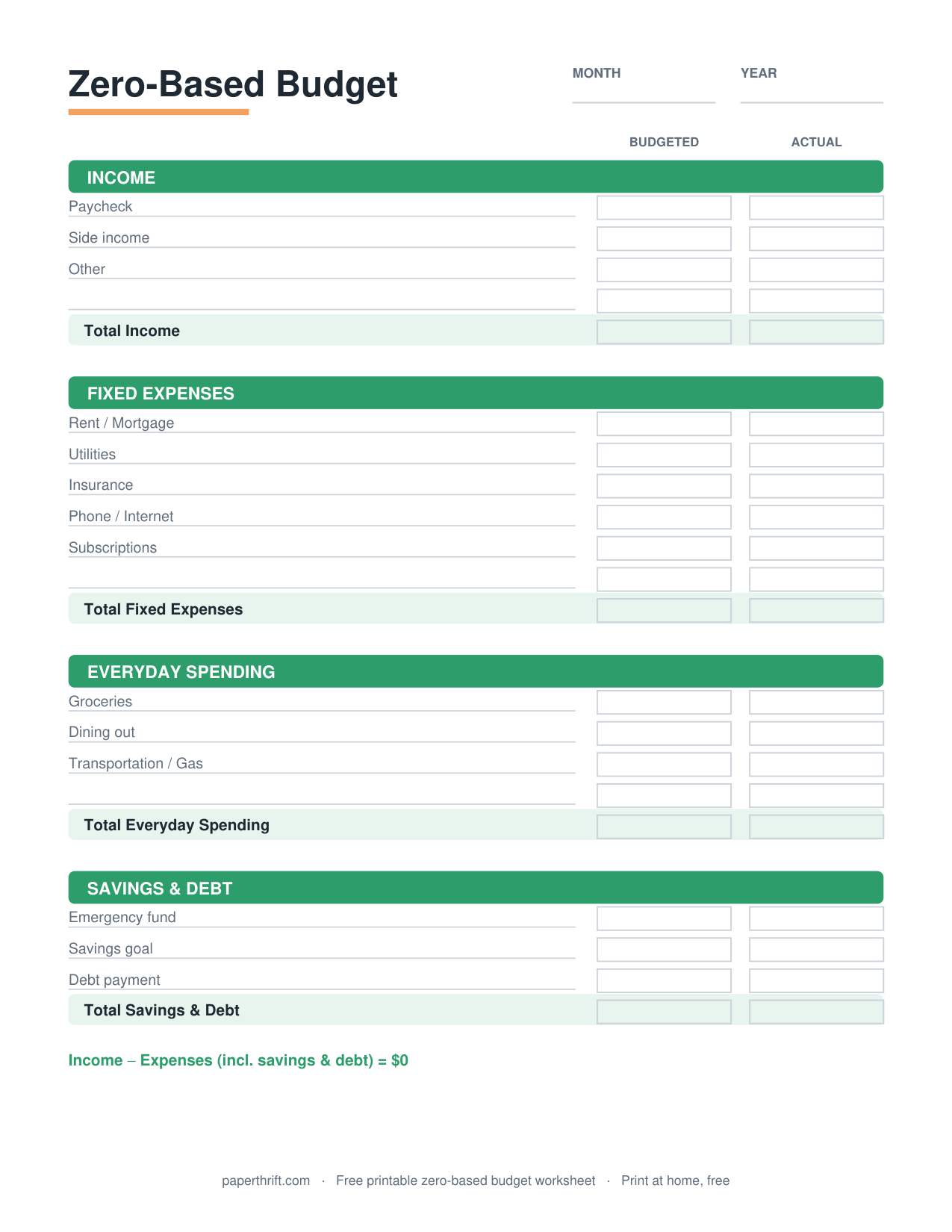
The goal is a balanced page where income covers everything. If your total runs negative, trim variable categories first since they flex the easiest. If you want every dollar assigned a job until the balance hits exactly zero, the zero-based budget builds on this same worksheet. Many people keep their finished sheet in a budget binder and reprint a fresh copy each month.
How to use this printable
- Print the worksheet Download the free PDF and print one copy at home on US Letter or A4 paper. No email or signup is needed.
- Enter your monthly income Add up every paycheck and reliable income source for the month and write the total at the top of the page.
- List fixed and variable expenses Write each fixed bill (rent, insurance, car payment) and variable cost (groceries, gas, dining) with a planned amount.
- Add a savings line Set a savings target before expenses so saving is treated as a required bill, not leftover money.
- Subtract and balance Subtract total expenses and savings from income. Adjust variable categories until the bottom line reaches zero or positive.
How to print it
- Print at 100% scale (not Fit to Page) so the columns and totals keep their spacing.
- Choose US Letter in the US or A4 elsewhere; both sizes are included in the same PDF.
- Print in grayscale to save color ink. The worksheet stays fully readable in black and white.
- Print a fresh copy each month, or slip one in a sheet protector and fill it in with a dry-erase marker to reuse it.
Frequently asked questions
Is the monthly budget worksheet really free?
Yes. The monthly budget worksheet is 100% free to download and print. There is no email signup, no account, and no watermark. You get an instant PDF you can use right away.
What percentage of income should each category get?
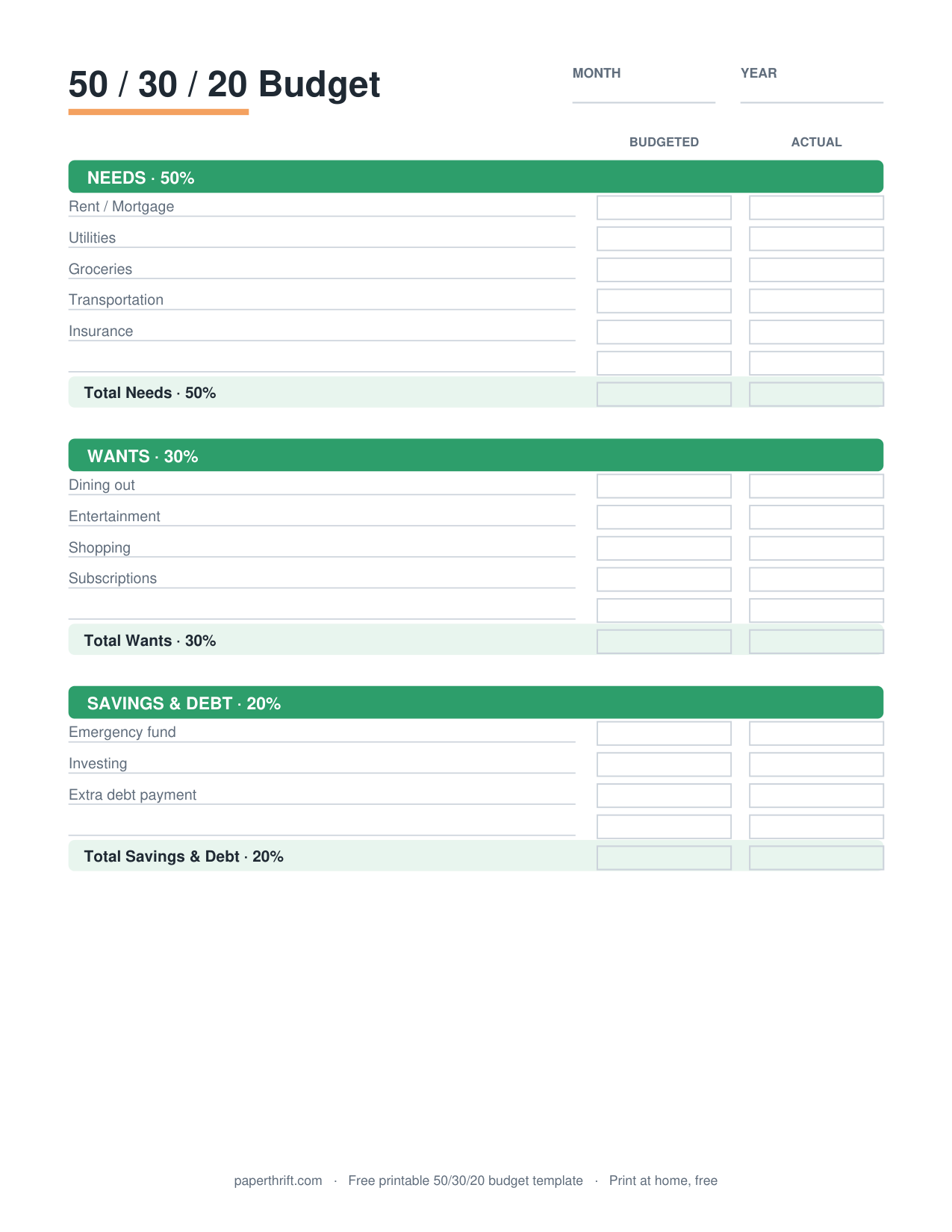
A common starting split is 50% needs, 30% wants and 20% savings and debt payoff. Compare your worksheet column totals against those targets, then adjust the percentages to fit your real fixed costs.
How is a monthly budget different from a weekly one?
A monthly budget plans a full calendar month of income and bills on one page, while a weekly budget breaks spending into seven-day blocks. Monthly suits fixed bills; weekly suits tighter control of variable spending.
How is this different from a zero-based budget?
A monthly budget worksheet plans income and expenses and shows your leftover balance. A zero-based budget goes further by assigning every dollar a job until income minus outflows equals exactly zero.
How often should I fill one out?
Use one worksheet per month. Plan it before the month starts, then fill in actual amounts as you spend so you can compare your plan to reality and adjust next month.
Paperthrift provides free educational budgeting tools and printables. It does not offer financial, investment, or tax advice. For decisions about your specific situation, consider speaking with a qualified professional.