Spending · PDF
Grocery Budget Tracker
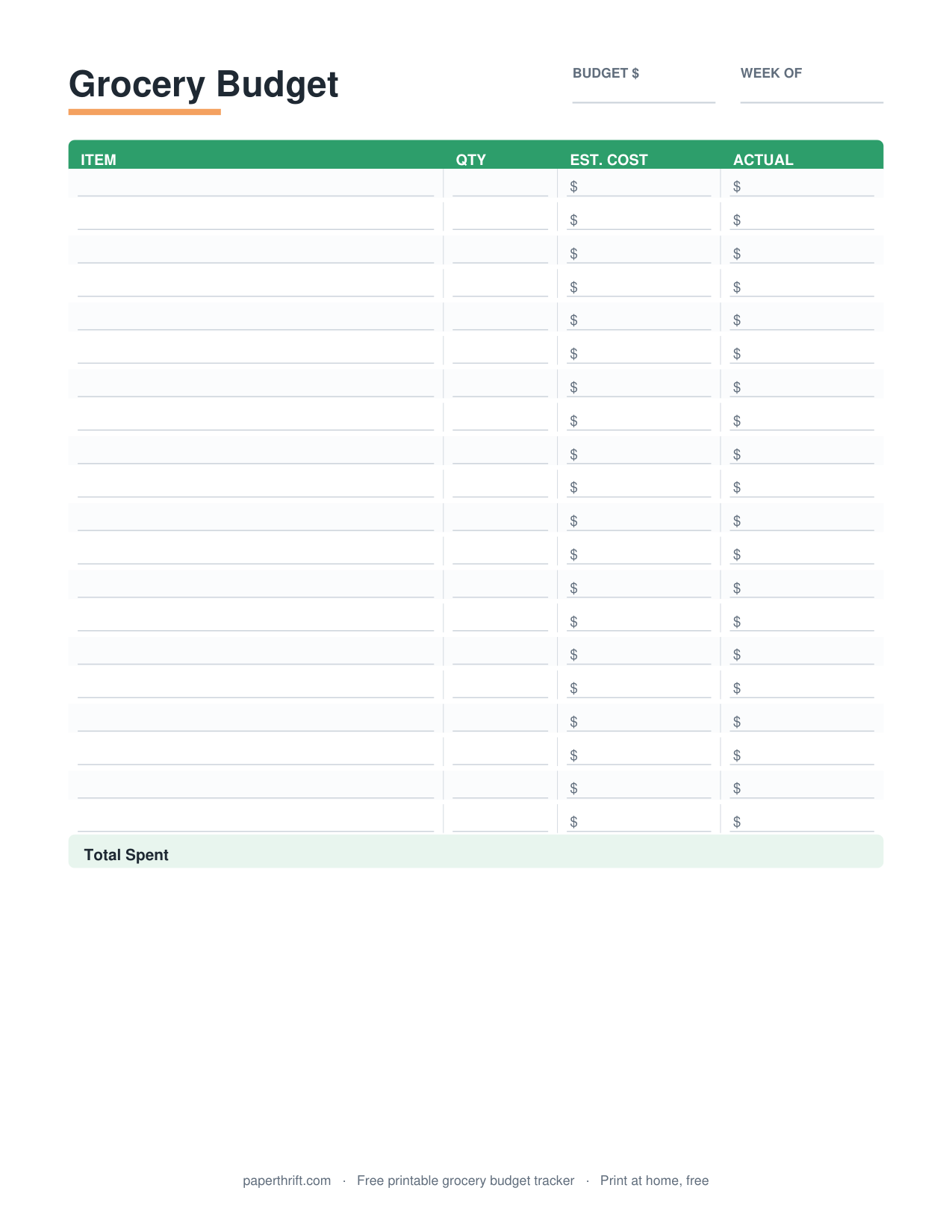
A grocery budget tracker is a printable sheet that records a monthly food spending cap, logs each store trip with its date and total, and subtracts every purchase from the cap so you see exactly how much grocery money remains.
Pick a color theme
What is a grocery budget tracker?
A grocery budget tracker is a printable sheet that sets a monthly food spending limit, records each shopping trip's date and total, and subtracts spending from the limit so the remaining grocery balance stays visible all month.
A grocery budget tracker turns one vague number ("we spend too much on food") into a running tally you can act on. You write your monthly cap at the top (say, $600), then log every trip: date, store, and amount. Each entry lowers your remaining balance, so by mid-month you know whether you have $250 left or $40.
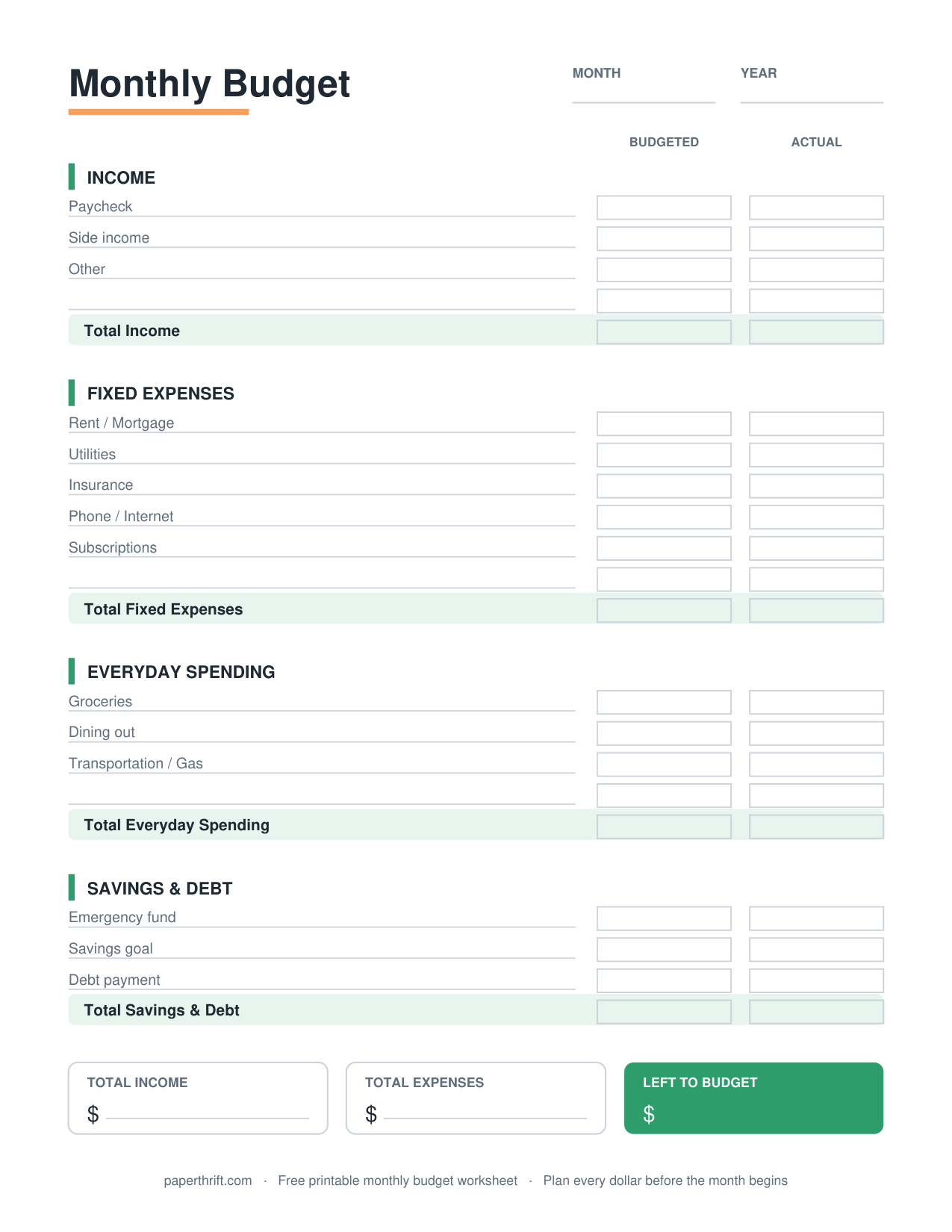
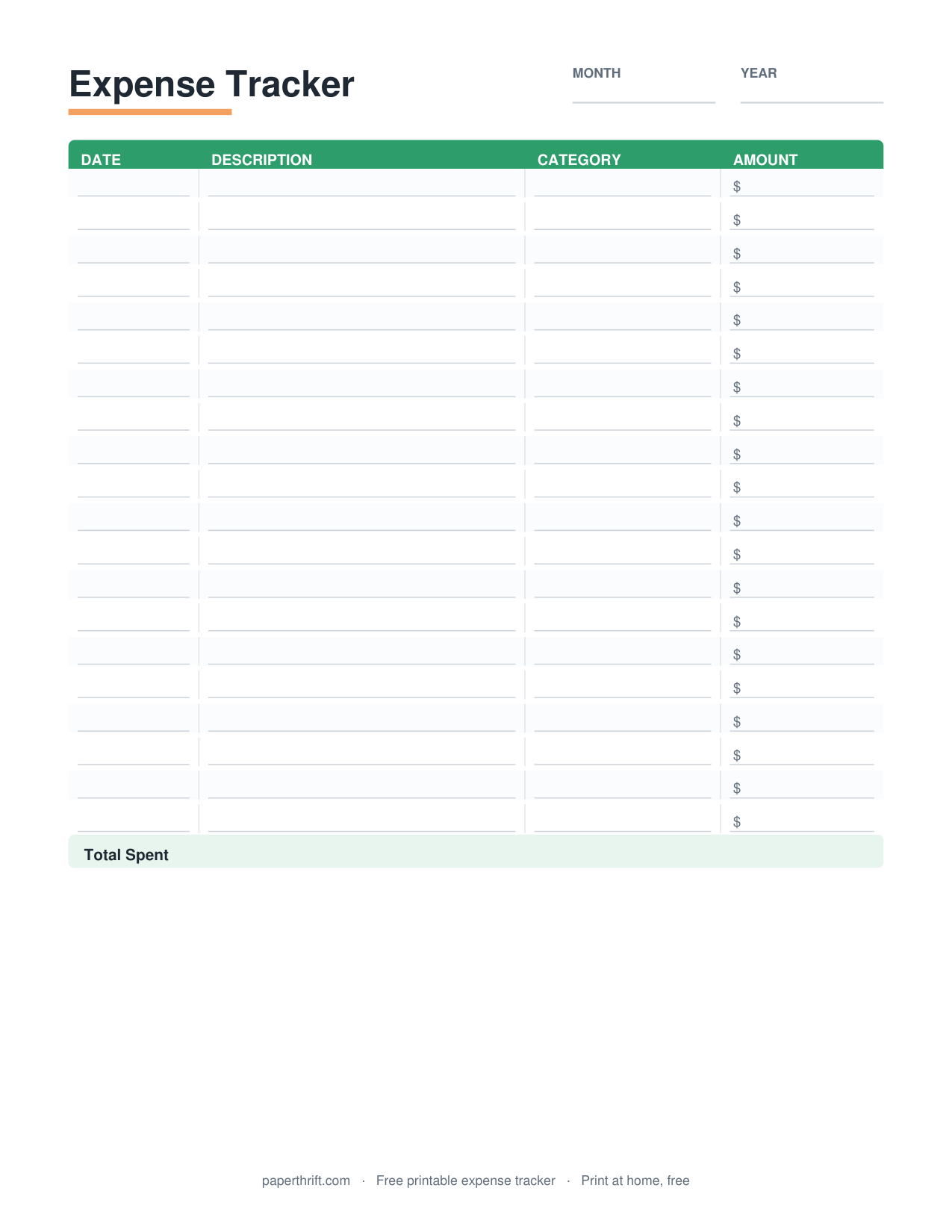
This printable pairs naturally with a broader monthly budget worksheet, where groceries are one line item, and with a general expense tracker if you want to capture all spending, not just food. If you want the why behind setting category caps, our guide on how to make a budget walks through assigning each dollar a job.
How do you set a grocery budget?
Set a grocery budget by reviewing two or three months of food receipts, averaging the total, then adjusting for your household size and goals. The USDA estimates roughly $250 to $400 per adult monthly, depending on the spending plan.
Start with real numbers, not a guess. Add up your last two or three months of grocery receipts and divide to get an average. That is your honest baseline. Then decide whether to hold steady or trim. Cutting 10 to 15 percent is realistic; halving overnight usually fails.
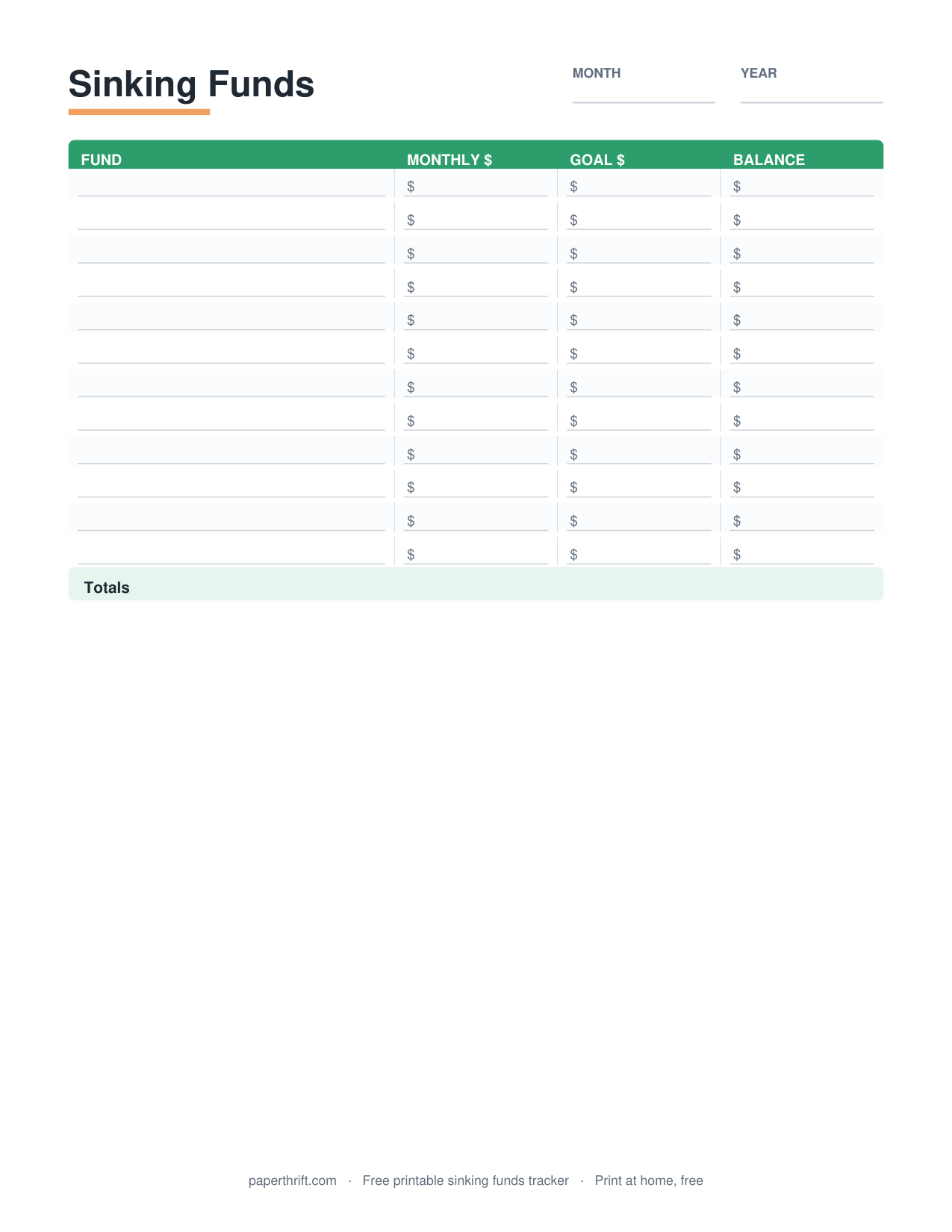
For a reference point, the USDA Thrifty plan runs about $250 per adult per month, while the Moderate plan runs closer to $370. A family of four often lands between $800 and $1,200. Write your chosen cap on the tracker, then divide by the number of shopping trips you plan: a $600 cap across four weekly trips means a $150 target per trip. Treating groceries as a sinking fund also helps absorb big-stock-up months.
How does the grocery budget tracker work?
The tracker works by recording your monthly cap, logging each trip's date, store, and amount, then subtracting every total from a running balance. When the balance nears zero, you pause spending or shift money from another category.
Each row captures one trip: date, store, what it covered (regular groceries vs. a party or stock-up), and the dollar total. A running-balance column does the math. Start at your cap, subtract each total, and the number you see is exactly what's left to spend.
The information-gain trick most trackers skip: add a quick tag for "need" vs. "want" purchases. Tagging that $14 of snacks or the impulse bakery run shows you where the leak is, not just that there is one. Keep this sheet on the fridge with your bill payment tracker so your whole-money picture lives in one spot, and lean on the cash envelope system if a physical spending limit keeps you honest at the register.
How to use this printable
- Set your monthly cap Average two to three months of grocery receipts, then write a realistic monthly limit at the top of the sheet, for example, $600.
- Print the tracker Download the free PDF and print it on US Letter or A4. No email or signup is required, and the download is instant.
- Log every trip After each store visit, write the date, store name, and total amount on the next blank row, including the smallest gas-station runs.
- Update the running balance Subtract each trip total from the previous balance so the remaining grocery money is always visible at a glance.
- Review and adjust At month-end, total your spending, compare it to the cap, and raise or lower next month's limit based on what actually happened.
How to print it
- Print at 100% scale (not "fit to page") so the columns and rows keep their intended spacing.
- Choose US Letter in the US or A4 elsewhere; both sizes are included in the same free PDF.
- Print in black and white to save ink. The tracker is designed to stay clear without color.
- Print one sheet per month and keep them in a folder or budget binder to compare trends over time.
Frequently asked questions
Is the grocery budget tracker really free?
Yes. The grocery budget tracker is 100% free with no cost, no email, and no signup. Click download and the PDF opens instantly, ready to print at home on US Letter or A4 paper.
Do I need to give my email to download it?
No. Paperthrift never asks for an email or account to download. The grocery budget tracker PDF downloads instantly the moment you click, so you can print and start logging trips the same day.
What is a realistic monthly grocery budget?
A realistic monthly grocery budget depends on household size. The USDA estimates about $250 to $400 per adult monthly. A family of four often spends $800 to $1,200. Average your own receipts to set an accurate cap.
How is this different from a regular expense tracker?
A grocery budget tracker focuses only on food spending against one monthly cap, with a running balance. A general expense tracker captures every category. Use the grocery sheet when food is your main overspending area.
Can I print the tracker on A4 paper?
Yes. The same free PDF includes both US Letter and A4 layouts. Select your paper size before printing and set scale to 100% so the rows and columns stay properly aligned.
Paperthrift provides free educational budgeting tools and printables. It does not offer financial, investment, or tax advice. For decisions about your specific situation, consider speaking with a qualified professional.