Budget · PDF
Weekly Budget Planner
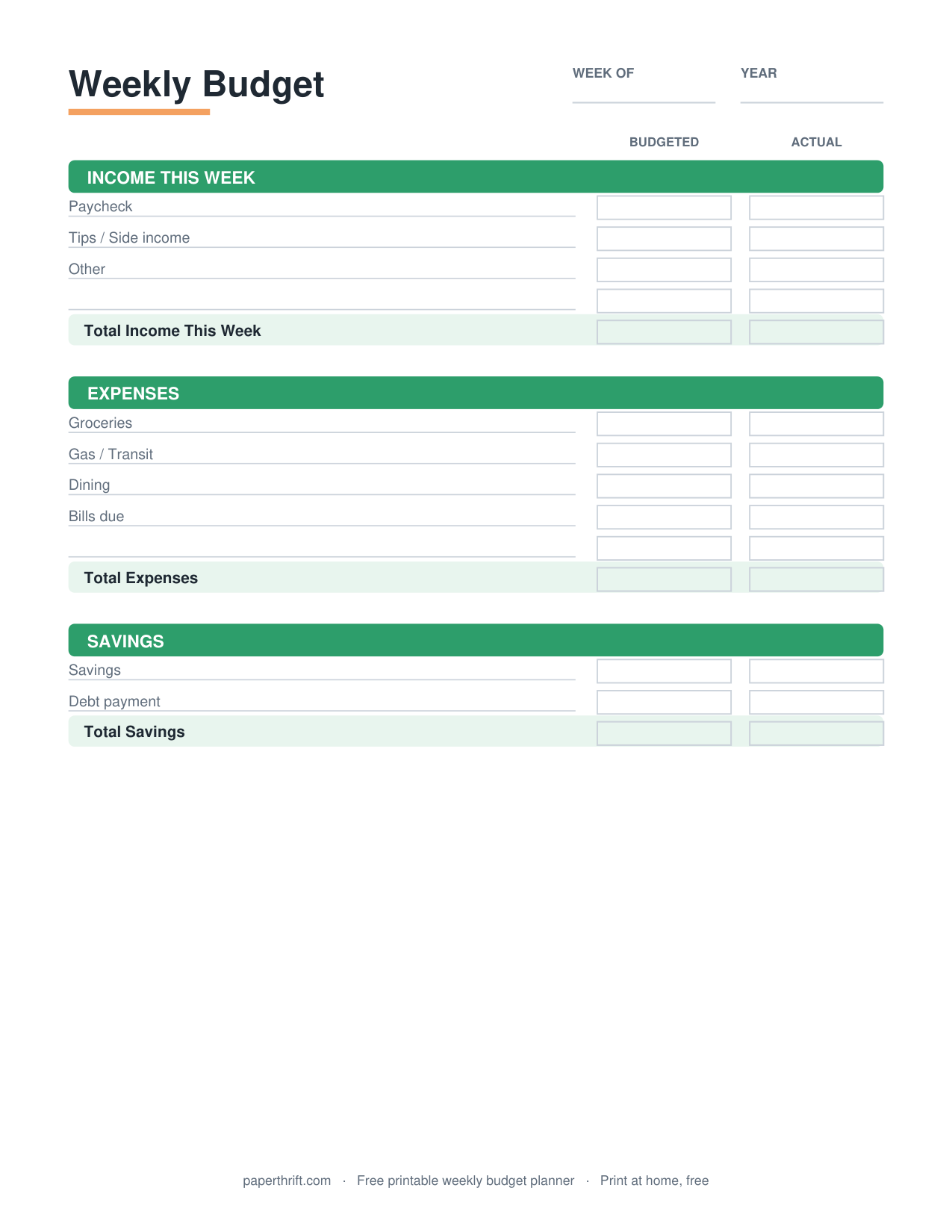
A weekly budget planner is a one-page worksheet that organizes income, fixed bills, variable spending, and savings for a single seven-day week, so you assign every dollar a job and track money in short, manageable cycles instead of monthly.
Pick a color theme
What is a weekly budget planner?
A weekly budget planner is a worksheet that maps income, bills, spending, and savings across one seven-day week. It breaks the month into four short cycles, making it easier to track cash, catch overspending early, and adjust before the week ends.
A weekly budget planner shrinks the planning window from a month to seven days. You list the income you expect that week, subtract fixed costs due in that window, set spending limits for categories like groceries and gas, then track each purchase against those limits. Because the cycle is short, you spot problems within days instead of discovering a blown budget on the 30th.
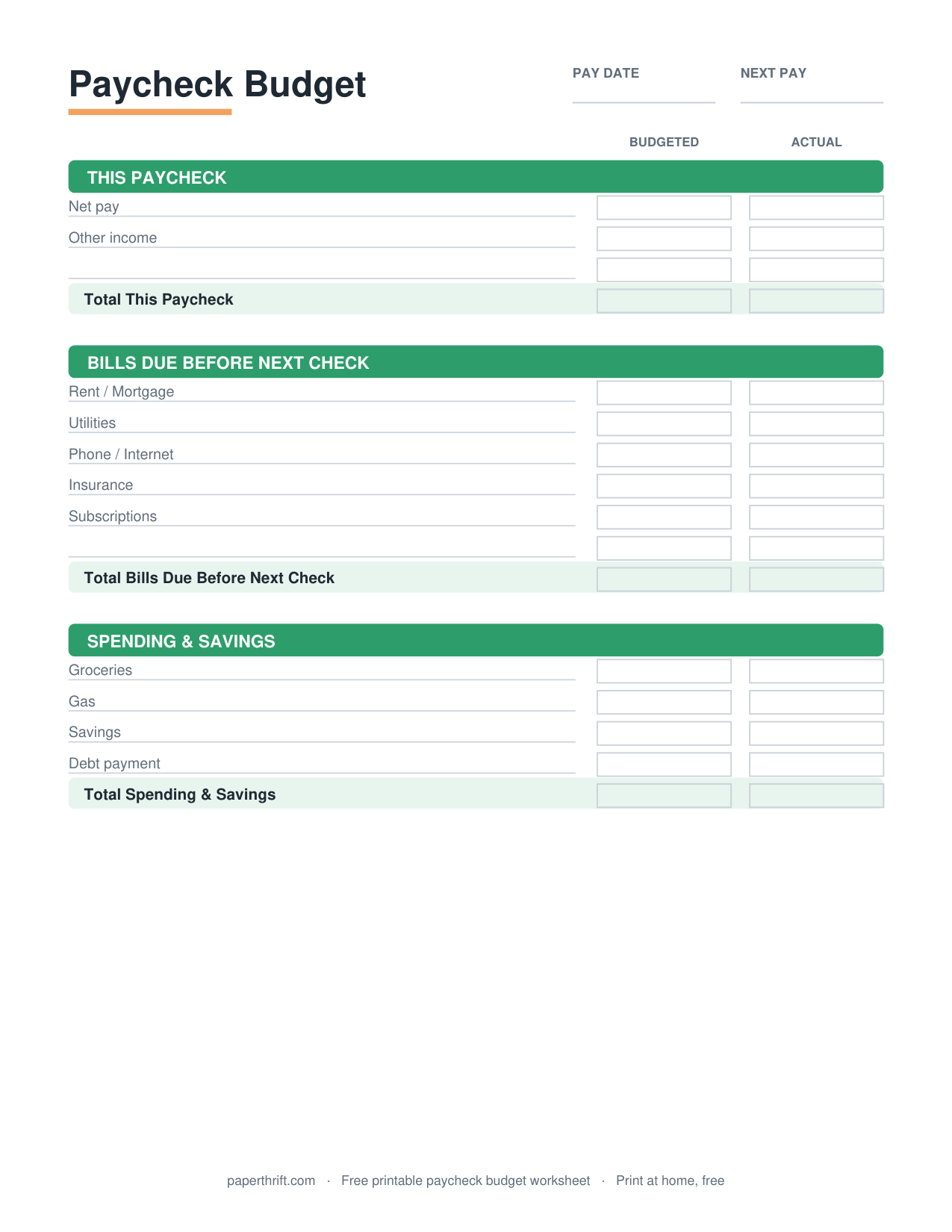
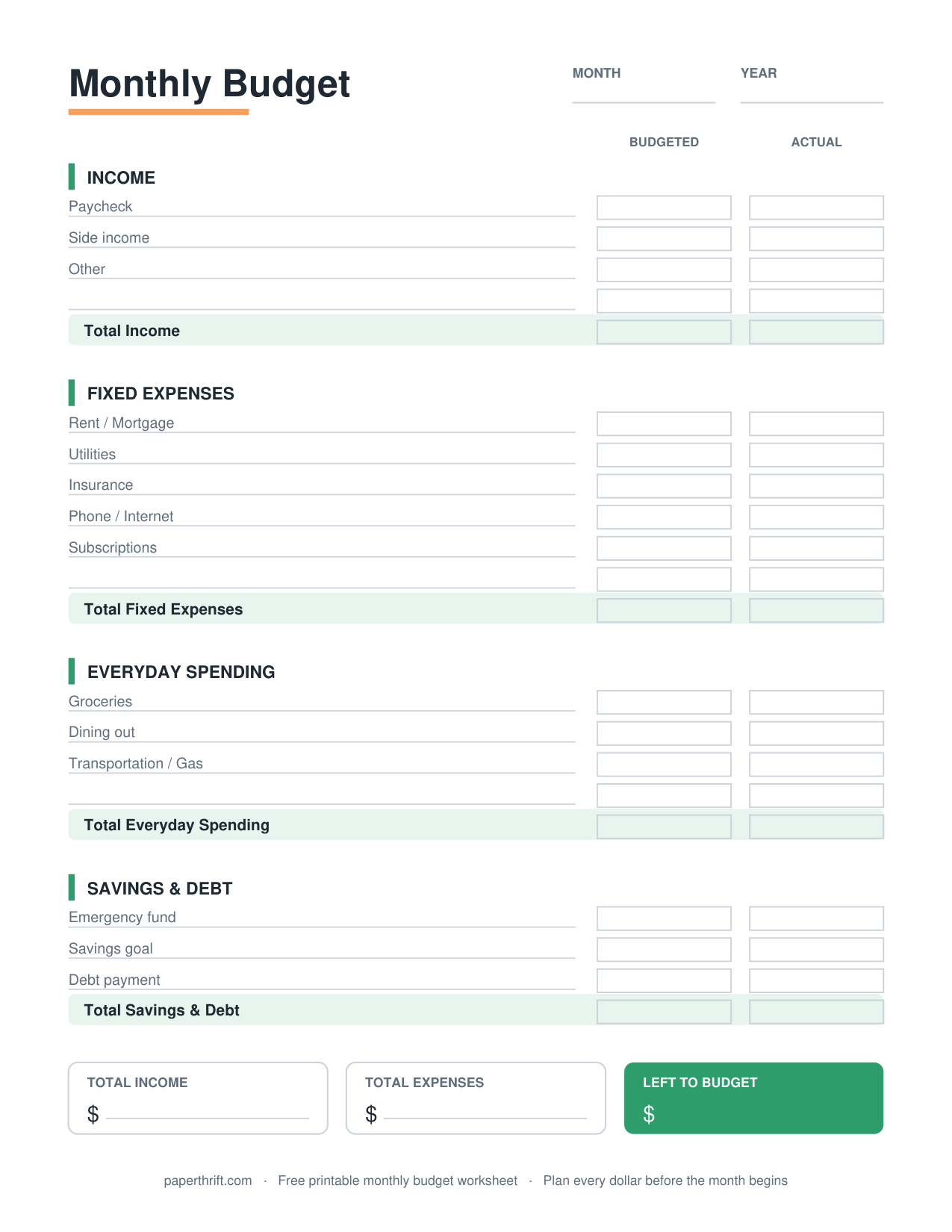
This printable works well alongside a monthly budget worksheet: the monthly sheet sets the big picture, and the weekly planner handles the day-to-day. If you want every dollar accounted for, pair it with a zero-based budget so income minus all assignments equals zero each week. New to budgeting? Start with our guide on how to make a budget first.
Who is a weekly budget planner for?
A weekly budget planner is for people paid weekly, anyone who overspends mid-month, irregular-income earners, and beginners who find a full month overwhelming. It suits hourly workers, gig drivers, freelancers, and cash spenders who want tight, frequent control.
A weekly budget planner fits anyone whose money moves in short bursts. Hourly and weekly-paid workers can match each paycheck to one planner page. Gig and freelance earners with uneven income can budget only the cash already in hand, week by week, instead of guessing a full month ahead.
It also helps habitual mid-month overspenders. Checking spending every seven days creates more frequent accountability than a single monthly review. Beginners often start here because a one-week scope feels less intimidating than 30 days. If you get paid every two weeks, the biweekly paycheck budget maps better to your pay schedule, and cash spenders can combine this planner with the cash envelope system.
How do you use a weekly budget planner?
Write expected weekly income at the top, list bills and spending categories with planned amounts, then record actual purchases daily. Subtract spending from each limit, compare planned versus actual at week's end, and carry lessons into the next week.
Start each week by entering the income you expect to receive in those seven days. Next, list the categories that apply, such as groceries, gas, dining out, and any bills due that week, and assign a dollar limit to each. Throughout the week, log every purchase under its category and subtract it from the remaining balance so you always see what is left.
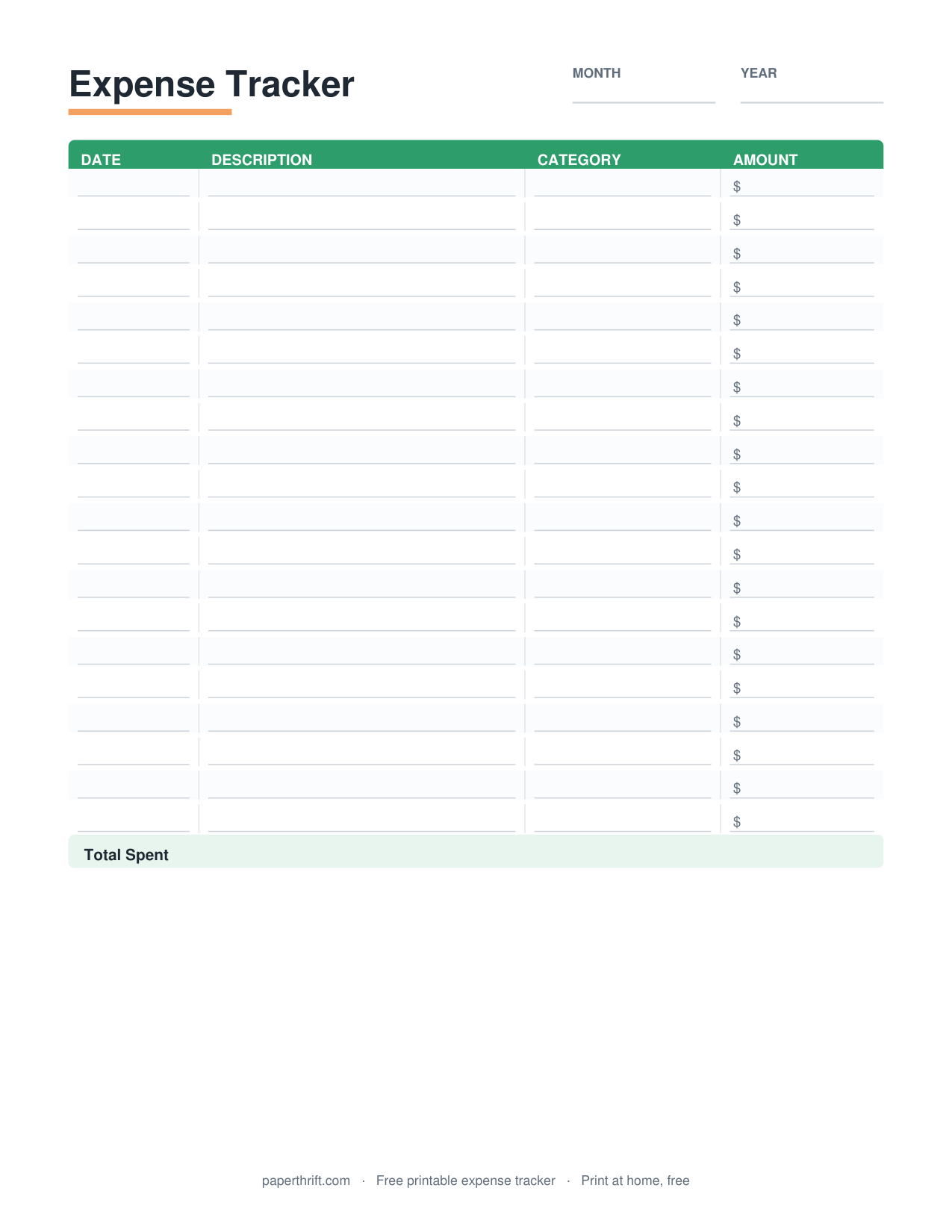
At the end of the week, compare your planned amounts to what you actually spent. Move leftover money to savings or a savings goal tracker, and note any category that ran over so you can adjust next week. To track spending in more detail across the whole month, run an expense tracker alongside this planner, and keep recurring due dates visible with a bill payment tracker.
Worked example: on a $600 week, $150 goes to groceries, $60 to gas, $50 to dining out, $40 to personal spending, and $300 to your share of rent and utilities — and by Thursday the tracker shows whether the week is on pace.
How to use this printable
- Download and print Download the free weekly budget planner PDF and print one page per week. No email or signup is required. Choose US Letter or A4 for your printer.
- Enter weekly income Write the income you expect during these seven days at the top, including paychecks, tips, side gigs, or cash you already have on hand.
- List categories and limits Add categories like groceries, gas, dining, and any bills due this week, then assign a planned dollar amount to each one.
- Track spending daily Record every purchase under its category each day and subtract it from the limit so you always see the remaining balance.
- Review and adjust At week's end, compare planned versus actual spending, move any leftover to savings, and adjust limits for the next week.
How to print it
- Print on plain US Letter (8.5 x 11 in) or A4 paper; the layout fits both sizes without cropping.
- Set printer scaling to 100% or Fit to Page and print at Actual Size so columns line up correctly.
- Print four copies for a full month, or print one weekly and slip it into a budget binder sleeve.
- Use black-and-white draft mode to save ink, since the planner is text-based and needs no color.
Frequently asked questions
Is the weekly budget planner really free?
Yes. The weekly budget planner is 100% free. You download the PDF instantly with no email, no signup, and no account. Print as many weekly pages as you need at home.
What paper size does it print on?
The planner prints on both US Letter (8.5 x 11 inches) and A4. Set your printer to 100% scale or Fit to Page so the columns and rows align correctly on either size.
How is a weekly budget different from a monthly budget?
A weekly budget plans seven days at a time, while a monthly budget covers about 30 days. The weekly cycle gives more frequent check-ins, helping you catch overspending early instead of at month's end.
Can I use a weekly budget with biweekly pay?
You can, but a biweekly paycheck budget often maps better to a two-week pay cycle. Many people use the weekly planner for spending and a biweekly sheet to assign each paycheck to bills.
How do I plan a weekly budget with irregular income?
Budget only the income already in your account for that week. Cover essential bills first, then assign the rest to spending and savings. Each week's plan reflects real cash, not estimates.
Paperthrift provides free educational budgeting tools and printables. It does not offer financial, investment, or tax advice. For decisions about your specific situation, consider speaking with a qualified professional.