Budget · PDF
Yearly Budget Overview
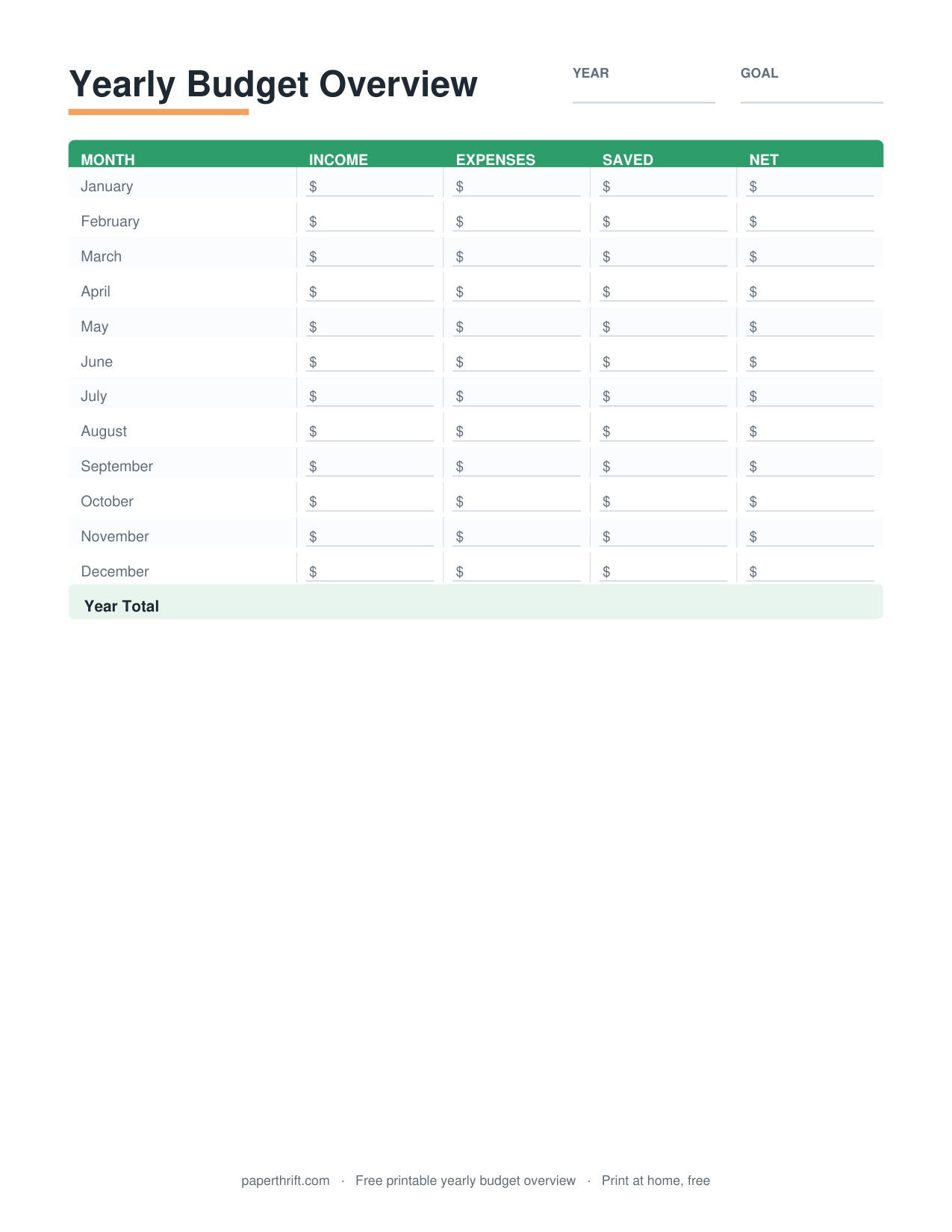
An annual budget is a 12-month financial plan that lists expected income and expenses for every month of the year on one sheet, letting you see yearly totals, spot seasonal costs, and balance the full year before it starts.
Pick a color theme
What is an annual budget?
An annual budget is a one-page plan that maps income and expenses across all 12 months of the year. It shows monthly columns, category rows, and yearly totals so you can balance the whole year at a glance.
An annual budget puts the entire year on a single grid: 12 month columns across the top and spending categories down the side. Each cell holds a planned dollar amount, and the right-hand column sums each category into a yearly total. This big-picture view answers questions a single month cannot, like "How much will I spend on gifts all year?" or "Which months run tight?"
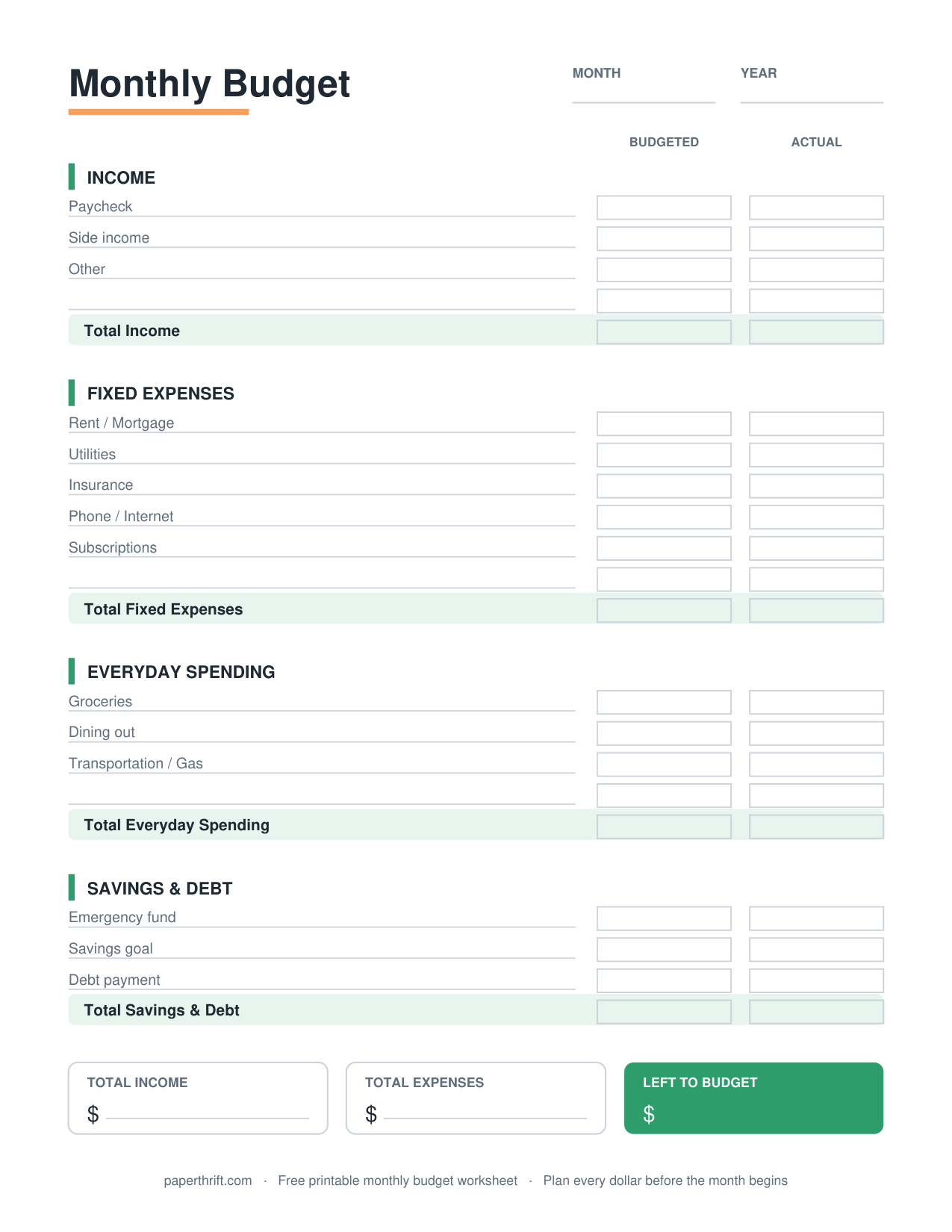
Unlike a monthly budget worksheet that resets every 30 days, the yearly overview keeps the long view in front of you. Many people pair the annual plan with a detailed monthly budget worksheet for day-to-day tracking, then use the yearly sheet to confirm the months add up. If you are brand new to this, the guide on how to make a budget walks through the first steps.
How do you fill out an annual budget?
List your income sources and expense categories down the left column, then enter a planned dollar amount in each of the 12 month columns. Add each row across for a yearly total, then subtract total expenses from total income.
Start with income: enter every paycheck, side income, or benefit for each month. Then list fixed costs (rent, insurance, loan payments) that repeat the same amount monthly, followed by variable costs (groceries, gas, utilities) that shift month to month. Finally, drop in irregular costs in the exact months they hit, such as car registration in March or a $600 Christmas total in December.
Add each row across to get a yearly figure, then compare total annual income to total annual expenses. A positive number is money to save or pay down debt; a negative number means a category needs trimming. The zero-based budget method takes this further by giving every dollar a job, and the 50/30/20 budget offers a simpler split if a full 12-month grid feels like too much detail.
Why plan a budget for the whole year?
A yearly budget reveals seasonal and irregular expenses a monthly view hides, like insurance premiums, holidays, and back-to-school costs. Seeing them in advance lets you set aside money each month so big bills never become surprises.
Most budget stress comes from predictable bills that only arrive once or twice a year: a $1,200 insurance premium, $800 in holiday spending, annual subscriptions, property taxes, or summer travel. On a monthly budget these feel like emergencies. On an annual budget they are visible months ahead, so you can spread the cost evenly.
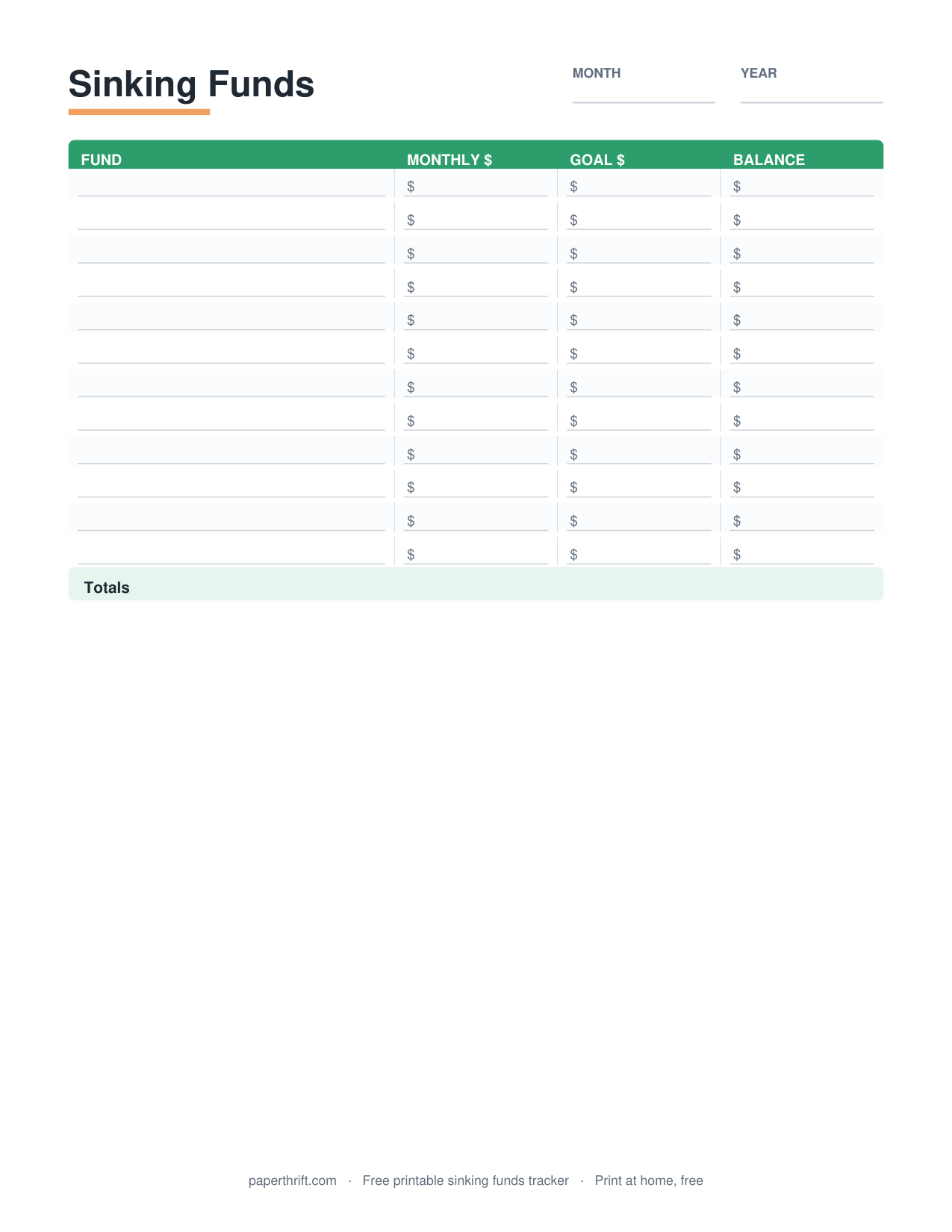
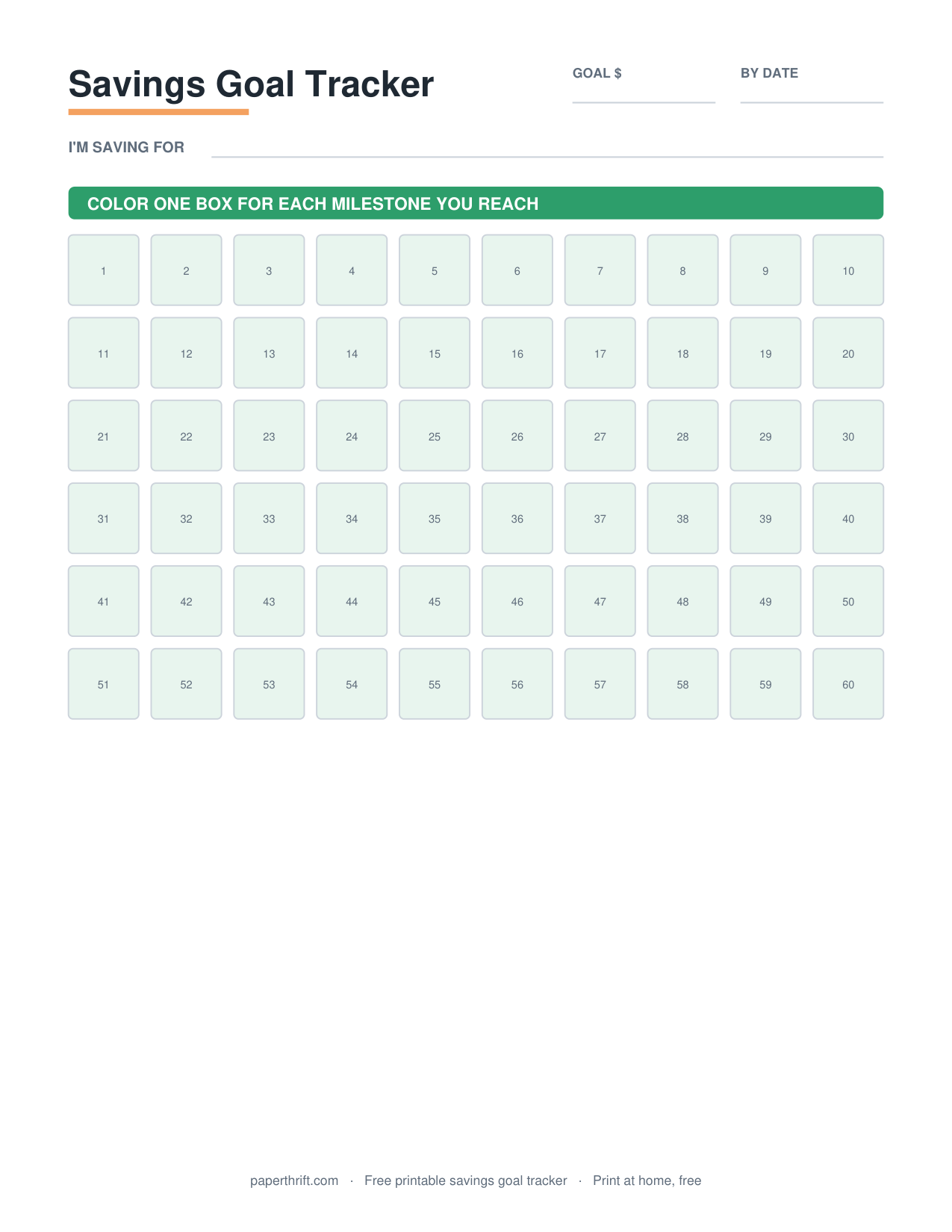
This is where sinking funds shine: divide a known yearly cost by 12 and save that slice every month. A $1,200 premium becomes a calm $100 monthly transfer instead of a painful December hit. Track those set-asides with a sinking funds tracker, and use a savings goal tracker for one-time targets like a vacation or new laptop. Planning the full year turns once-a-year bills into routine, manageable amounts.
How to use this printable
- Download and print Download the free annual budget PDF and print it on US Letter or A4 at home. No email or signup is required.
- List income and categories Write your income sources and expense categories down the left column, grouping fixed, variable, and irregular costs together.
- Fill in 12 months Enter a planned dollar amount in each month column, placing irregular bills like insurance or Christmas in the exact months they occur.
- Total each row and column Add each category across for a yearly total and add each month down, then subtract total expenses from total income.
- Adjust and save Trim categories until the year balances, then set aside a monthly slice for big upcoming bills using sinking funds.
How to print it
- Print in landscape orientation so all 12 month columns fit across the page without shrinking the text.
- Choose Actual Size (100%) in your printer dialog, not Fit to Page, to keep the grid lines and totals aligned.
- Print one sheet per year and fill it in pencil so you can adjust amounts as real numbers come in.
- Use the A4 version outside the US; the US Letter version is sized for standard 8.5 x 11 inch paper.
Frequently asked questions
Is the annual budget worksheet really free?
Yes. The annual budget worksheet is 100% free with no email, signup, or account needed. Click download and the PDF saves instantly to your device, ready to print at home.
What is the difference between an annual budget and a monthly budget?
An annual budget shows all 12 months and yearly totals on one sheet for the big picture, while a monthly budget covers a single month in detail. Many people use both together for full coverage.
How do I handle bills that only come once a year?
Place each irregular bill in the month it actually arrives, then divide its cost by 12 and save that amount monthly. This sinking-fund approach turns a large yearly bill into small, painless transfers.
Can I print the annual budget on standard paper?
Yes. The PDF comes in US Letter (8.5 x 11 inch) and A4 sizes. Print in landscape at Actual Size (100%) so all 12 month columns fit neatly across the page.
Do I need to start an annual budget in January?
No. You can start an annual budget in any month. Simply begin with the current month and fill the remaining columns forward, or plan a rolling 12 months from today.
Paperthrift provides free educational budgeting tools and printables. It does not offer financial, investment, or tax advice. For decisions about your specific situation, consider speaking with a qualified professional.